> ## Documentation Index
> Fetch the complete documentation index at: https://docs.chief.bot/llms.txt
> Use this file to discover all available pages before exploring further.
# What happens when you run out of credits
> If you don't have enough credits for a task, Chief won't run it silently — it stops and shows an Out of credits message with the right next step for your situation.
If you don't have enough [credits](/help/plans-credits-billing/how-credits-work) for a task, Chief won't run it silently — it stops and shows an **Out of credits** message with the right next step for your situation. Nothing breaks, and your typed prompt is saved so you don't lose your work.
## What you'll see
The message Chief shows depends on whose credits the task draws from:
* **Your own balance is empty.** You'll see "Out of credits" with your current balance and a **Refill Credits** button.
* **You're a guest (not signed in).** You'll be prompted to [create an account](/help/getting-started/creating-your-account-signing-in) to keep using Chief — and you can wait for credits to refill.
* **[You're in a project paid for by an organization](/help/plans-credits-billing/personal-vs-organization-billing).** You'll see "This project is out of credits," telling you which organization pays for it and who to contact to top it up. Your personal balance doesn't apply to that project.
## How to get going again
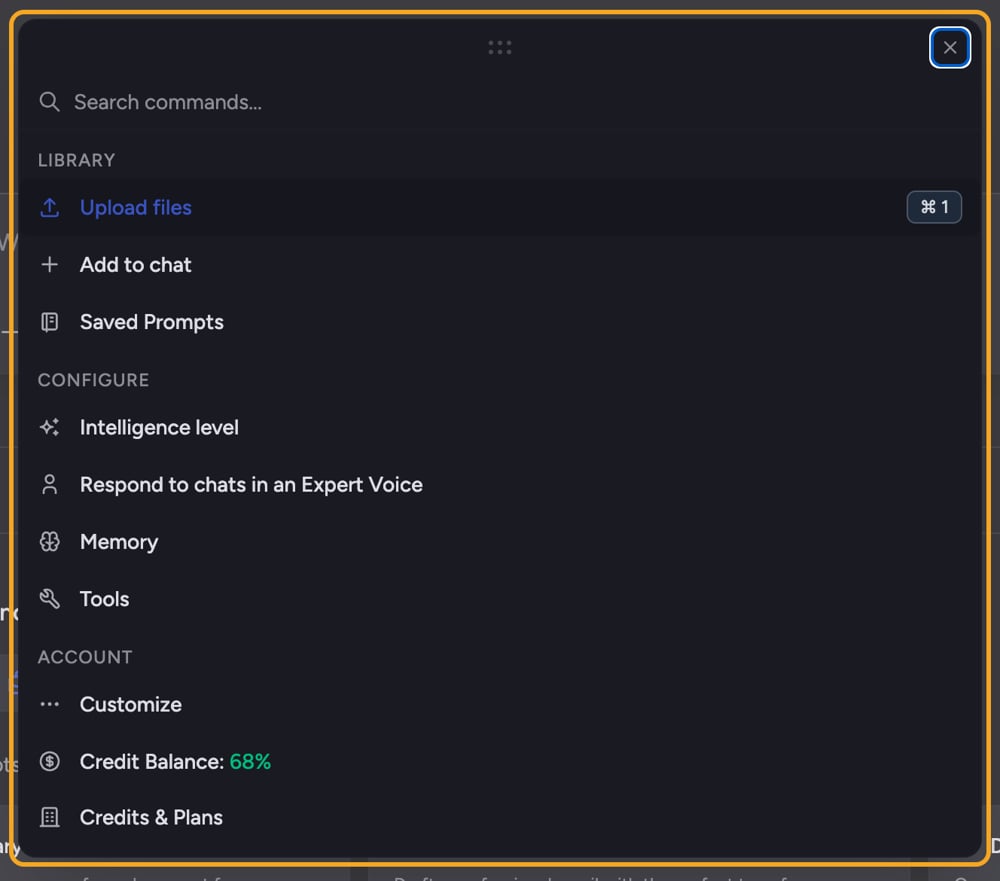 1. When the message appears, select **Refill Credits**.
2. You're taken to the pricing page, returning you to the same place afterward. Enter an amount and [complete checkout](/help/plans-credits-billing/refilling-credits).
3. When you return, your balance updates and you can resume. Your in-progress prompt was saved, so it's still there.
⚠️ **Important:** If your project is funded by an organization that has run out, you can't refill it from your personal balance. Contact the project's paying organization owner (their email is shown in the message) to top it up.
## On the Explore plan
If you're on the [free Explore plan](/help/getting-started/free-credits-what-you-get-on-signup), you don't have to buy credits to continue — you can also wait for your daily refill to top up your balance. Buying credits just gets you working again immediately.
## FAQ
No. Chief saves your in-progress prompt before sending you to refill, so it's restored when you come back.
Because this project is billed to an organization, not to you. Chief checks the balance that actually pays for the project. Your personal credits won't unblock a project funded by someone else — the paying organization needs to refill.
The credit grant can lag the [payment](/help/plans-credits-billing/managing-payment-methods-invoices) redirect by a few seconds while Stripe confirms. Chief refetches automatically; if it's still stuck after a minute, refresh the page and try again.
1. When the message appears, select **Refill Credits**.
2. You're taken to the pricing page, returning you to the same place afterward. Enter an amount and [complete checkout](/help/plans-credits-billing/refilling-credits).
3. When you return, your balance updates and you can resume. Your in-progress prompt was saved, so it's still there.
⚠️ **Important:** If your project is funded by an organization that has run out, you can't refill it from your personal balance. Contact the project's paying organization owner (their email is shown in the message) to top it up.
## On the Explore plan
If you're on the [free Explore plan](/help/getting-started/free-credits-what-you-get-on-signup), you don't have to buy credits to continue — you can also wait for your daily refill to top up your balance. Buying credits just gets you working again immediately.
## FAQ
No. Chief saves your in-progress prompt before sending you to refill, so it's restored when you come back.
Because this project is billed to an organization, not to you. Chief checks the balance that actually pays for the project. Your personal credits won't unblock a project funded by someone else — the paying organization needs to refill.
The credit grant can lag the [payment](/help/plans-credits-billing/managing-payment-methods-invoices) redirect by a few seconds while Stripe confirms. Chief refetches automatically; if it's still stuck after a minute, refresh the page and try again.