> ## Documentation Index
> Fetch the complete documentation index at: https://docs.chief.bot/llms.txt
> Use this file to discover all available pages before exploring further.
# What is the Library?
> Your Library is where Chief keeps everything you add to a project: uploaded files, recordings, saved chat answers, and web pages.
 ## Your knowledge, in one place
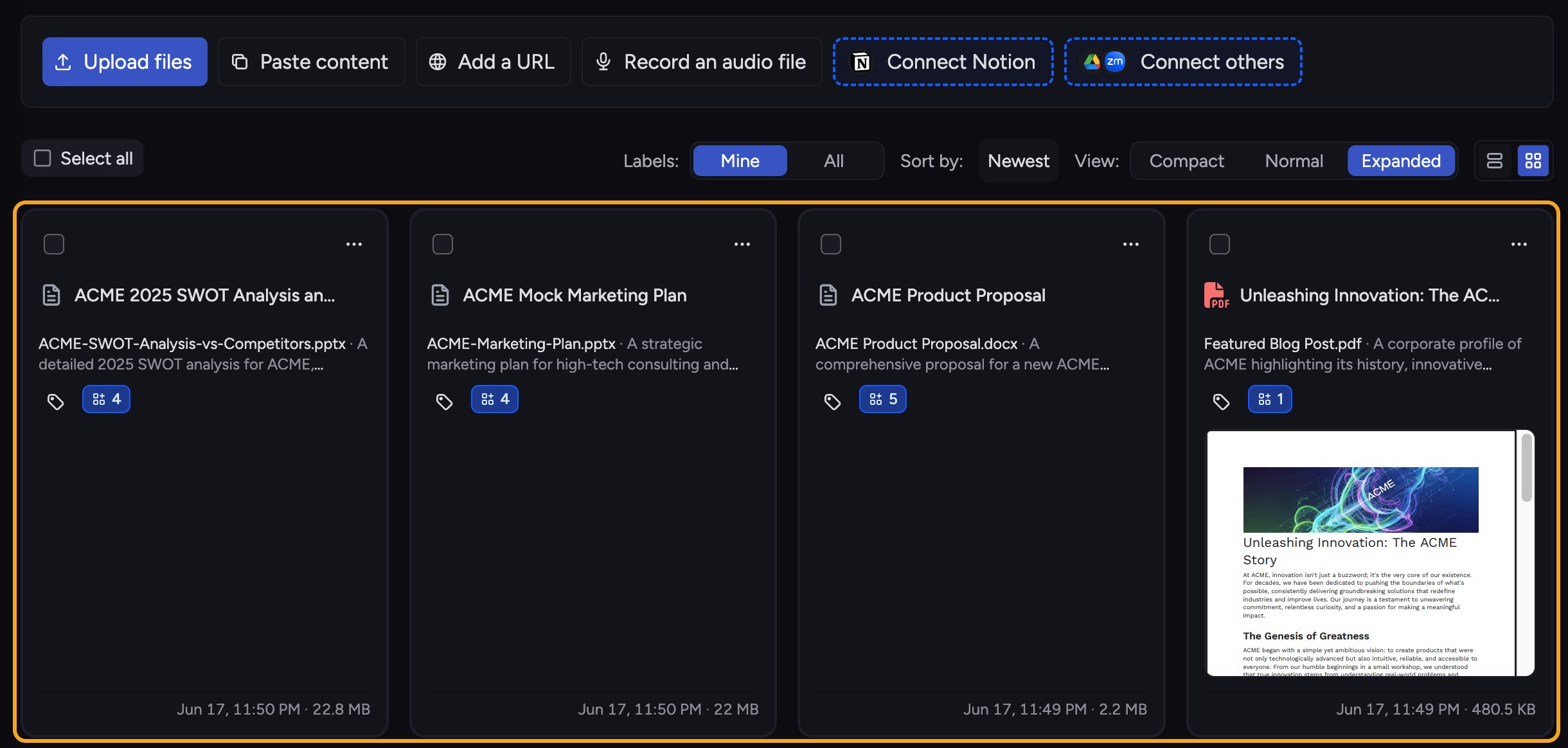
Your **Library** is where Chief keeps everything you add to a project: [uploaded files](/help/your-knowledge-library/uploading-files-supported-file-types), [recordings](/help/your-knowledge-library/recording-audio-directly-into-chief), [saved chat answers](/help/your-knowledge-library/saving-a-chat-answer-back-to-your-library), and [web pages](/help/your-knowledge-library/adding-web-pages-urls-to-your-library). Once something is in your Library, [Chief can read it and use it to answer your questions](/help/your-knowledge-library/how-chief-uses-your-files-to-answer-questions), so the responses you get are grounded in your own material instead of generic information.
Each project has its own Library. The files you add to one project stay with that project, which keeps unrelated work separated and your answers focused.
## What you can keep here
## Your knowledge, in one place
Your **Library** is where Chief keeps everything you add to a project: [uploaded files](/help/your-knowledge-library/uploading-files-supported-file-types), [recordings](/help/your-knowledge-library/recording-audio-directly-into-chief), [saved chat answers](/help/your-knowledge-library/saving-a-chat-answer-back-to-your-library), and [web pages](/help/your-knowledge-library/adding-web-pages-urls-to-your-library). Once something is in your Library, [Chief can read it and use it to answer your questions](/help/your-knowledge-library/how-chief-uses-your-files-to-answer-questions), so the responses you get are grounded in your own material instead of generic information.
Each project has its own Library. The files you add to one project stay with that project, which keeps unrelated work separated and your answers focused.
## What you can keep here
 * **Files** you upload (documents, PDFs, spreadsheets, images, audio, and more).
* **Recordings** you capture directly in Chief.
* **Web pages** you add by URL.
* **Chat answers** you save back to the Library as a File.
## What Chief does with it
* **Files** you upload (documents, PDFs, spreadsheets, images, audio, and more).
* **Recordings** you capture directly in Chief.
* **Web pages** you add by URL.
* **Chat answers** you save back to the Library as a File.
## What Chief does with it
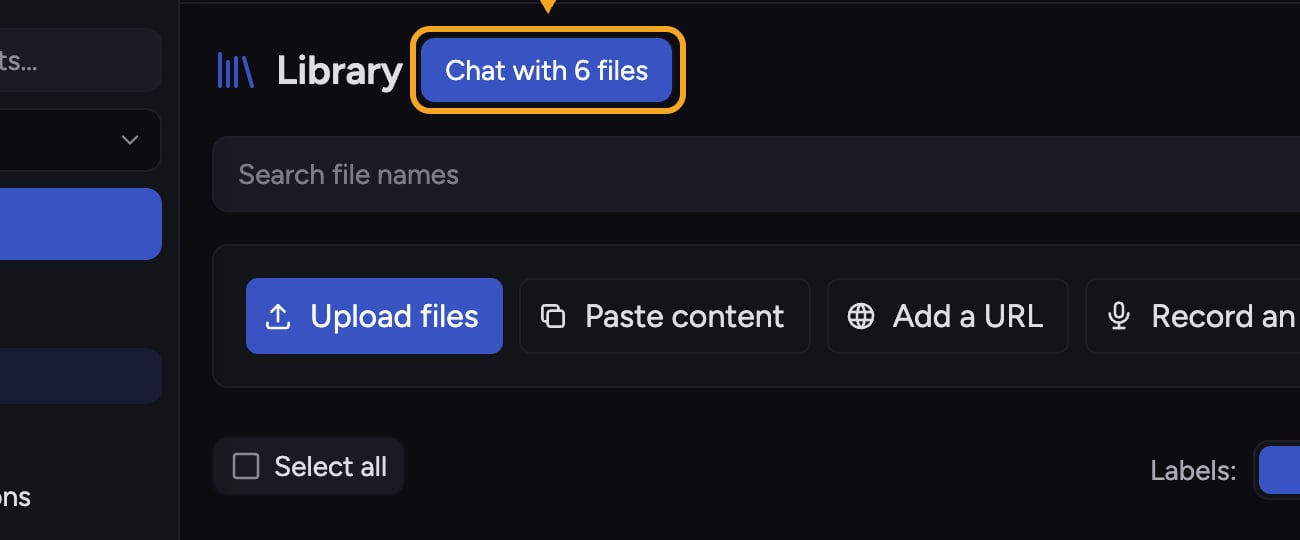 When a file finishes processing, Chief understands its contents and can pull from it during a chat, on its own or alongside the rest of your knowledge. You can also organize your Library with [Labels](/help/labels/tagging-files-filtering-by-label) and [Collections](/help/collections/what-are-collections), and browse what Chief learned through [Concepts](/help/concepts/what-are-concepts).
**Related articles:** [Uploading files and supported file types](/help/your-knowledge-library/uploading-files-supported-file-types) · [Searching your Library](/help/your-knowledge-library/searching-your-library) · [Viewing asset details and file processing status](/help/your-knowledge-library/viewing-asset-details-file-processing-status)
ℹ️ **Good to Know:** A file is only usable in chat once it finishes processing. You can keep working while it processes, and Chief will mark it ready when it is.
## FAQ
No. Each project has its own Library. If you want a file in another project, move or copy it there.
The file may still be processing, or it may have failed to process. Open the file to check its status. If it shows an error such as running out of credits, resolve that and try again.
When a file finishes processing, Chief understands its contents and can pull from it during a chat, on its own or alongside the rest of your knowledge. You can also organize your Library with [Labels](/help/labels/tagging-files-filtering-by-label) and [Collections](/help/collections/what-are-collections), and browse what Chief learned through [Concepts](/help/concepts/what-are-concepts).
**Related articles:** [Uploading files and supported file types](/help/your-knowledge-library/uploading-files-supported-file-types) · [Searching your Library](/help/your-knowledge-library/searching-your-library) · [Viewing asset details and file processing status](/help/your-knowledge-library/viewing-asset-details-file-processing-status)
ℹ️ **Good to Know:** A file is only usable in chat once it finishes processing. You can keep working while it processes, and Chief will mark it ready when it is.
## FAQ
No. Each project has its own Library. If you want a file in another project, move or copy it there.
The file may still be processing, or it may have failed to process. Open the file to check its status. If it shows an error such as running out of credits, resolve that and try again.