

How to delete your account
There is no self-serve delete button in Chief today. Account deletion is handled by the support team so it can be done safely and completely.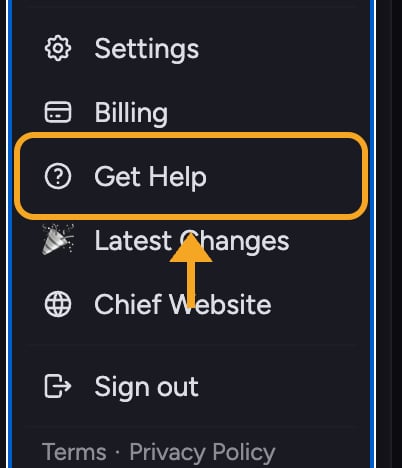
- Email support@chief.bot from the address on your account.
- State clearly that you want your account deleted.
- Wait for the team to confirm. They may verify your identity before deleting, since this cannot be undone.
Before you delete
- If you only want to stop being charged, change your plan instead of deleting your account. Open the pricing page, or, if you own an Organization, choose Billing from the account menu and select Manage plan.
- If you share a project or organization with colleagues, deleting your account may affect their access. Check with them first.
- If you signed up with the wrong email, ask support to change the email rather than deleting and starting over — that keeps your data.
FAQ
I emailed support but haven't heard back. Is my account deleted?
I emailed support but haven't heard back. Is my account deleted?
Not until the team confirms. Deletion is not automatic on sending the email — they verify the request first. If you have not had a reply, follow up on the same email thread.
Can I undo a deletion?
Can I undo a deletion?
No. Deletion is permanent and your data cannot be restored. If you are unsure, ask support to pause or downgrade your account instead.
Will deleting my account cancel my billing?
Will deleting my account cancel my billing?
Mention billing in your request so support can confirm the plan is closed out as part of the deletion. Beforehand, open the Command Center, choose Credits & Plans, and read Your plan for your personal plan and balance. Organization Owners can also choose Billing from the account menu.