

X-API-Key header on every request — the developer docs cover that in Introduction.
Create a token
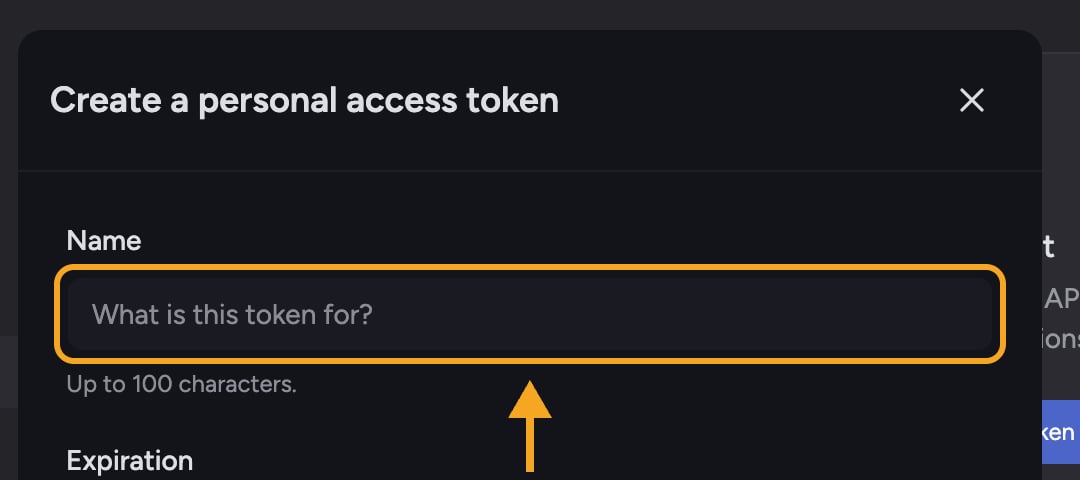
- Go to Settings → API tokens.
- Click Create token.
- Enter a Name describing what it’s for (up to 100 characters).
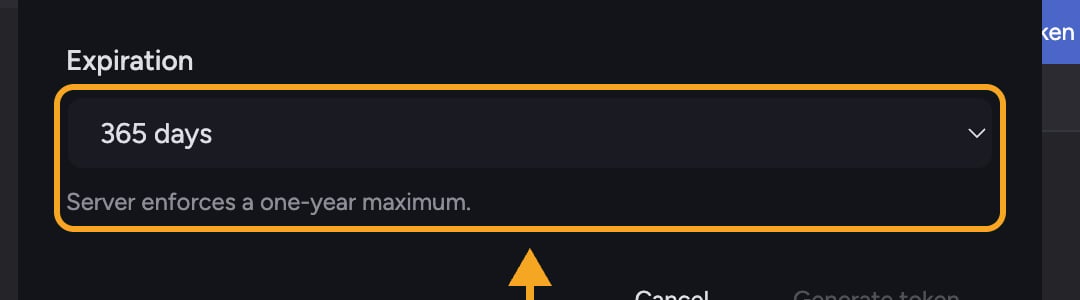
- Choose an Expiration: 30 days, 90 days, 365 days, or Custom date.
- Click Generate token.
- On the Copy your token screen, click Copy, paste the token into your secret store, then click Done.
Expiration rules
Revoke a token
- Go to Settings → API tokens.
- Find the token in the list (you can see its Created, Expires, and Last used dates).
- Click Revoke, then confirm Revoke this token?
Good habits
- Give each integration — including any MCP server — its own named token so you can revoke one without breaking the others.
- Never paste a token into task, code committed to a repo, or a screenshot.
- Rotate tokens on a schedule and revoke any you no longer use.
Frequently asked questions
I closed the dialog before copying my token. Can I see it again?
I closed the dialog before copying my token. Can I see it again?
No — the token is shown only once. Revoke it and create a new one.
What happens to scripts using a token I revoke?
What happens to scripts using a token I revoke?
They stop working immediately. Revoking takes effect at once and can’t be undone, so update your integration with a new token first if you need continuity.
Can I create a token that never expires?
Can I create a token that never expires?
No. The server enforces a one-year maximum, so the longest available is 365 days.
What can a token do?
What can a token do?
A personal access token authenticates API requests with your account’s permissions — it can do what your account can do. Give each integration its own token and the shortest practical expiration.