

Why this matters
Every other tool waits for you to ask. The catch is that you can only ask about what you already know to look for — which means the most important shifts in your data often surface late, if at all. Chief’s ambition with proactive intelligence is to flip that model: instead of you pulling answers out, Chief pushes the signal to you. The value is that routine monitoring and recurring reporting stop depending on someone remembering to run them.How it actually works
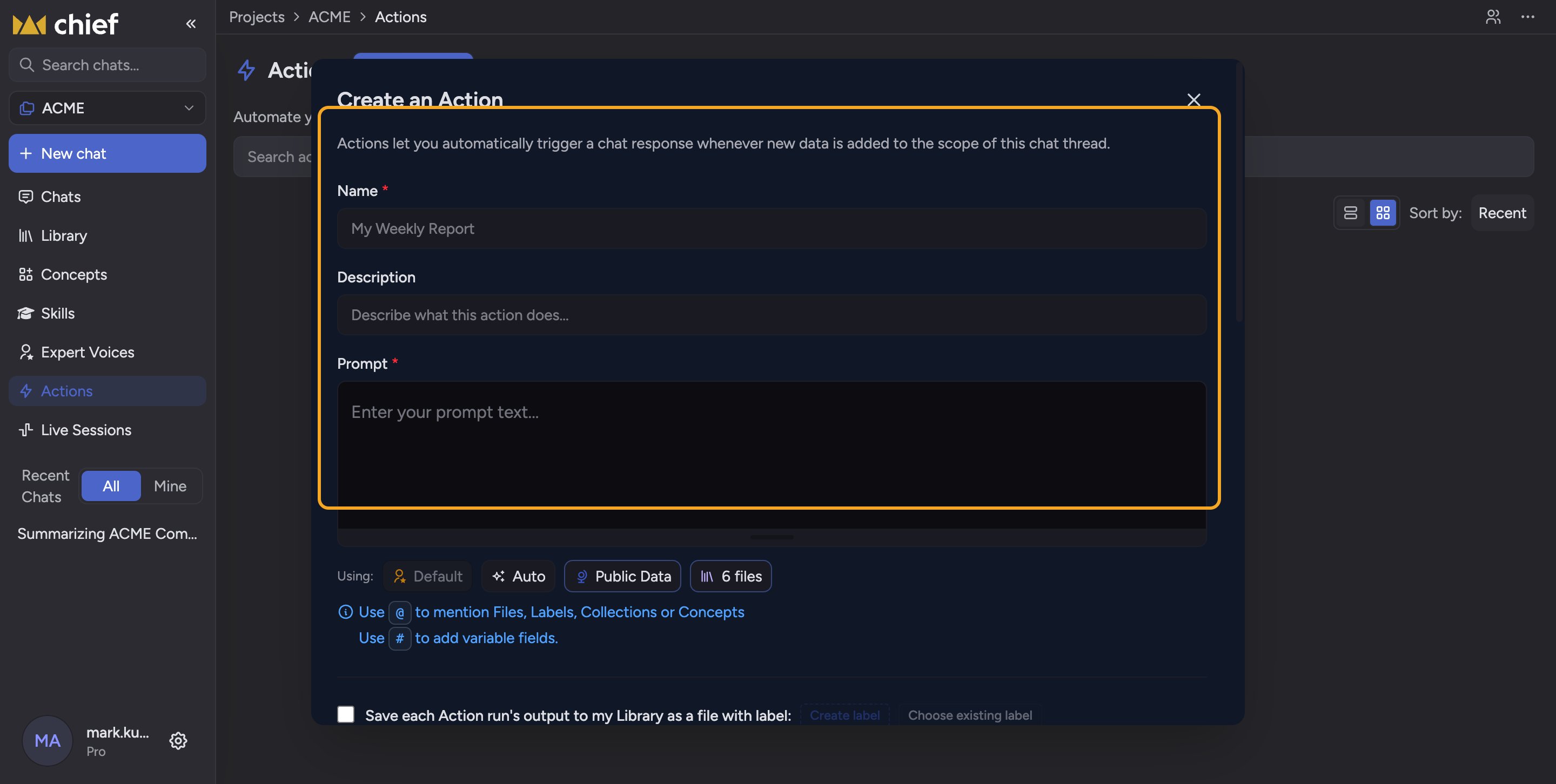
- A competitive intelligence brief delivered every Monday morning.
- A pipeline digest every Friday afternoon.
- A board pre-read the day before each meeting.
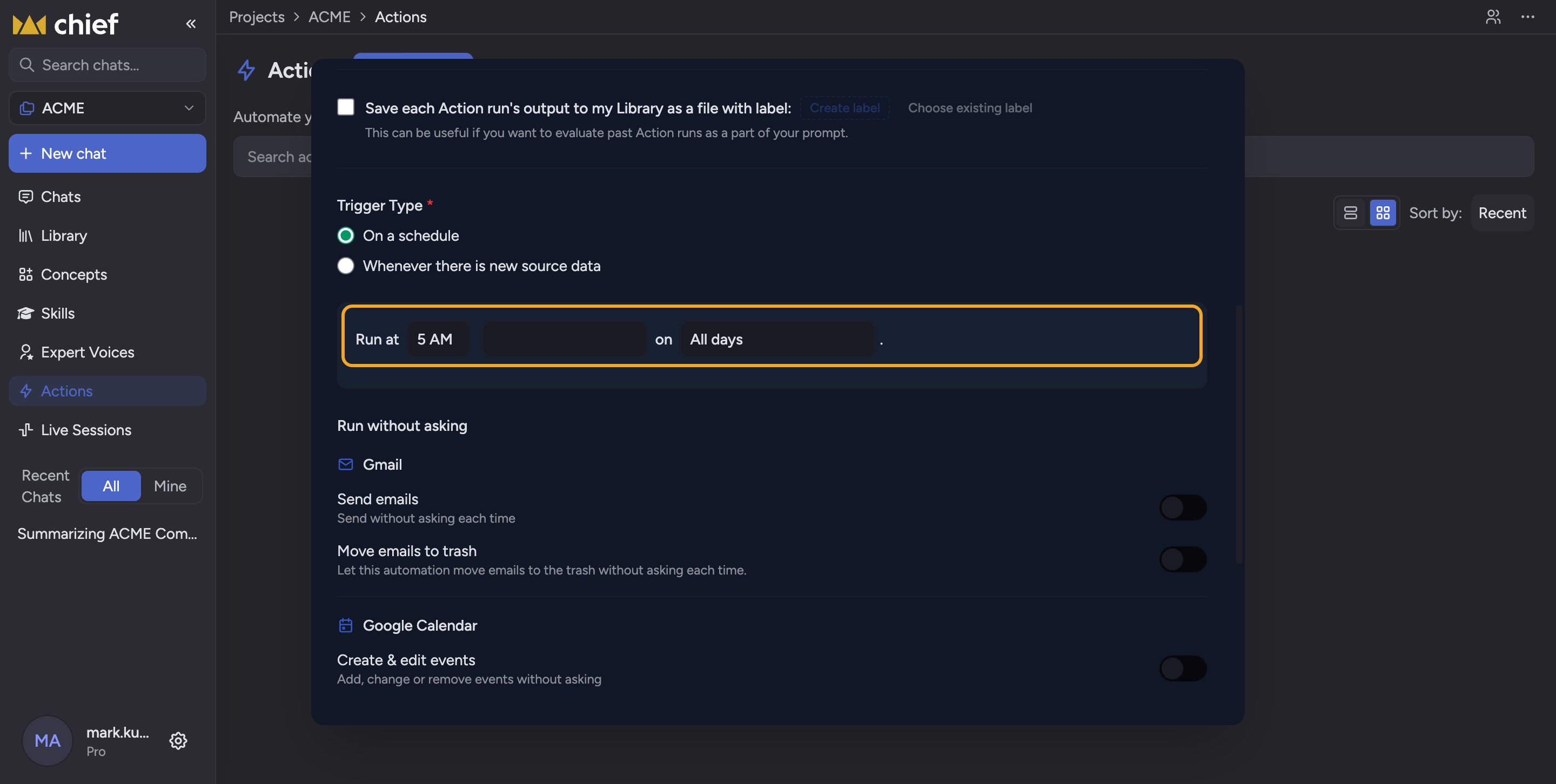
ℹ️ Good to Know: Scheduled delivery covers the Actions you’ve set up. Live Session suggestions run only while that session is recording and unpaused, with Suggestions on and their display not Off. Chief isn’t continuously monitoring all your Project data outside a call. The more precisely you define an Action and its cadence, the more useful the scheduled signal that lands.
A worked example
FAQ
My scheduled Action didn't deliver — what should I check?
My scheduled Action didn't deliver — what should I check?
Check that the Action is active and that its schedule and delivery channel (in-app, email, Library, or Slack) are set the way you expect. An Action can only pull from the sources in its Project, so if the underlying data wasn’t available when it ran, the output reflects that.
Does Chief monitor everything and alert me automatically?
Does Chief monitor everything and alert me automatically?
No. Proactive delivery comes from the Actions you create and schedule, plus suggestions during a recorded, unpaused Live Session when Suggestions are on and displayed. It isn’t blanket background surveillance of all your data outside a call. You decide which recurring work Chief runs and can turn Live Session suggestions off.
Where do proactive results show up?
Where do proactive results show up?
Scheduled Action outputs land in the app, in your inbox, in your Library, or in a Slack channel connected to your Project. During a Live Session, sourced findings appear as insight cards and collect under Activity → Insights. Both arrive cited and structured so they’re ready to share or act on.