

Copy an answer as rich text
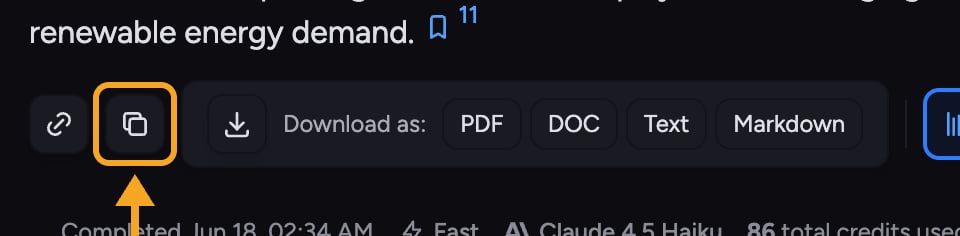
- Hover over the answer.
- Click the Copy button.
Copy an answer as Markdown
- Click the Copy button on the answer.
- A secondary Copy as Markdown button appears right after — click it.
ℹ️ Good to Know: The Copy as Markdown button is shown only briefly after you click Copy. If it disappears before you reach it, just click Copy again to bring it back.
Copying tables
A table inside an answer has its own Copy table as Markdown action, so you can grab just the table without the surrounding text — or download it as a spreadsheet.FAQ
I pasted the answer and lost all the formatting.
I pasted the answer and lost all the formatting.
You likely pasted Markdown into a destination that doesn’t render it, or used plain-text paste. Use the default Copy (rich text) and a normal paste into a formatting-aware editor to keep headings, bold, and lists.
Can I copy just a table?
Can I copy just a table?
Yes — use the table’s own Copy table as Markdown action to copy only that table.