

Find a file by name
As your Library grows, search is the quickest way to jump to a specific file. Chief matches against file names. If you want to narrow by topic instead, you can also filter files by Label.Search
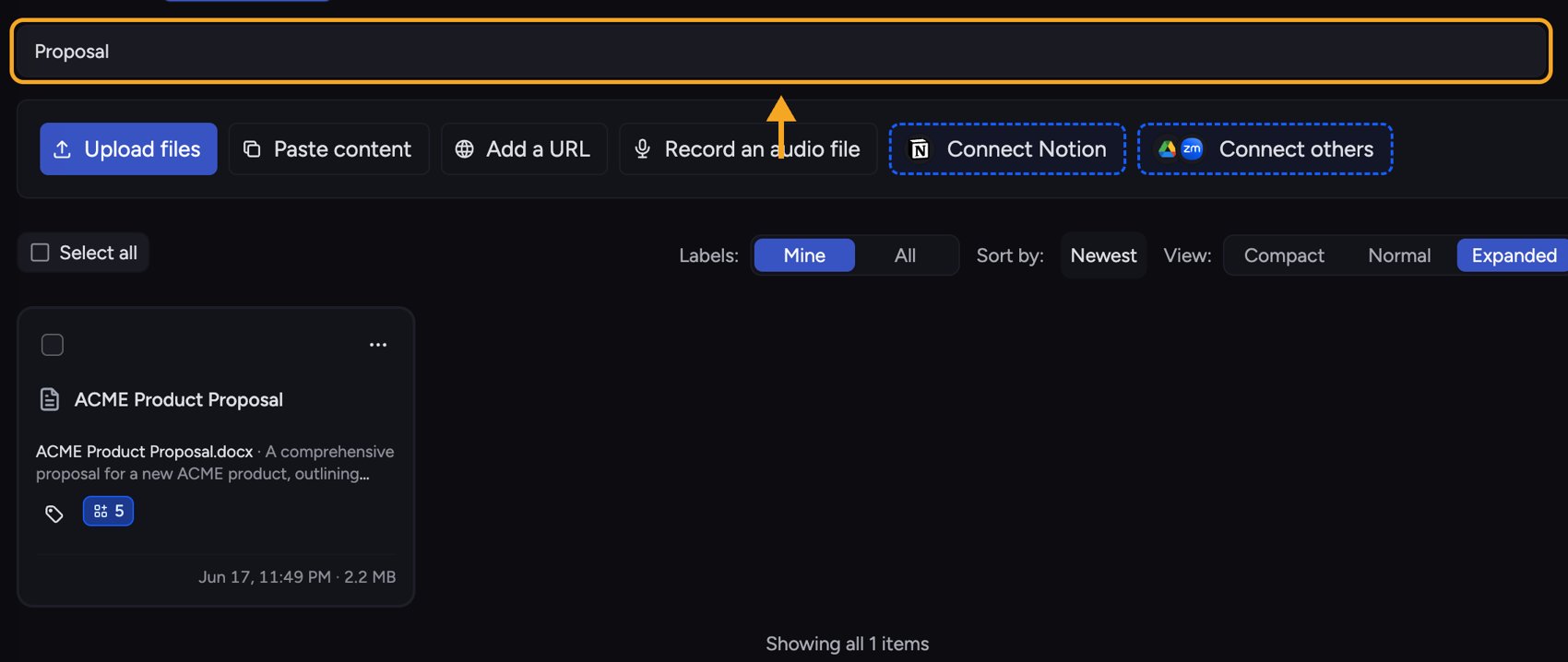
- Go to your project’s Library.
- Click the search box (its placeholder reads Search file names).
- Type part of the file’s name. The list filters as you type.
- Click the file you want to open it.
ℹ️ Good to Know: Library search matches file names, not the text inside your files. To ask about what is inside your documents, start a task — Chief searches the contents of your knowledge to answer.
FAQ
My search returned no results.
My search returned no results.
You will see “No Files matched your search.” Check the spelling, or try a shorter part of the name. Remember that search looks at file names, not file contents.
I wanted to ask a question, not just find a file.
I wanted to ask a question, not just find a file.
If you meant to ask about your files rather than locate one, start a task instead — that searches the contents of your Library to answer you.