

Two ways to task
You can point a task at exactly one file, or let it draw on many files at once. Picking the right scope keeps Chief’s answers focused.Start a task with a single file
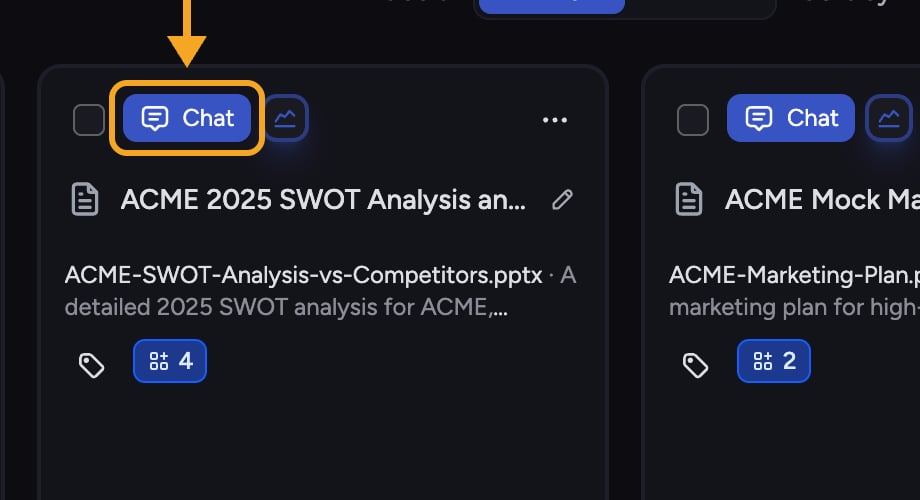
- Find the file in your Library.
- Click Start task. On a Library card, the button appears when you hover over the file. In the file’s detail view, it sits beside the file name.
- A new task opens scoped to just that file. Chief answers only from it.
Start a task with many files
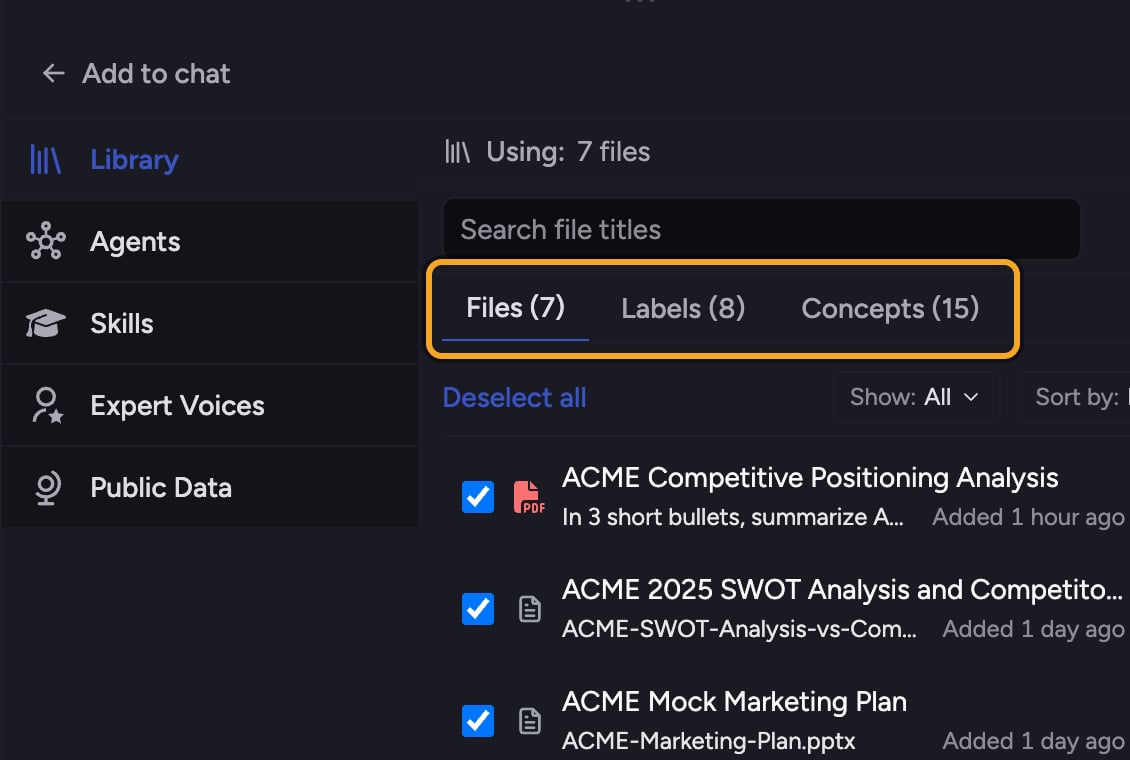
- Start or open a task in the project.
- Add the files, Labels, or Collections you want to the task, or let Chief use all your knowledge.
- Ask your question. Chief draws on everything in scope at once.
ℹ️ Good to Know: Using a file alongside the rest of your knowledge requires it to be fully processed. A file that is only “ready for simple tasks” can still be used on its own.
FAQ
I added a file but Chief is only answering from one document. Why?
I added a file but Chief is only answering from one document. Why?
The task may be scoped to a single file. Check which files are powering the task and add more if you want a broader answer.
Can I start a task with a file before it finishes processing?
Can I start a task with a file before it finishes processing?
You can start a task with it on its own once it is “ready for simple tasks with just this file.” Combining it with your whole Library waits until processing is fully complete.