

Two ways to get in: Magic Link or Google
New to the product? What is Chief? covers what you can do with it. Chief doesn’t use passwords. You sign in either with a one-time Magic Link sent to your email, or with your Google account. The same two methods work for both signing up and logging back in.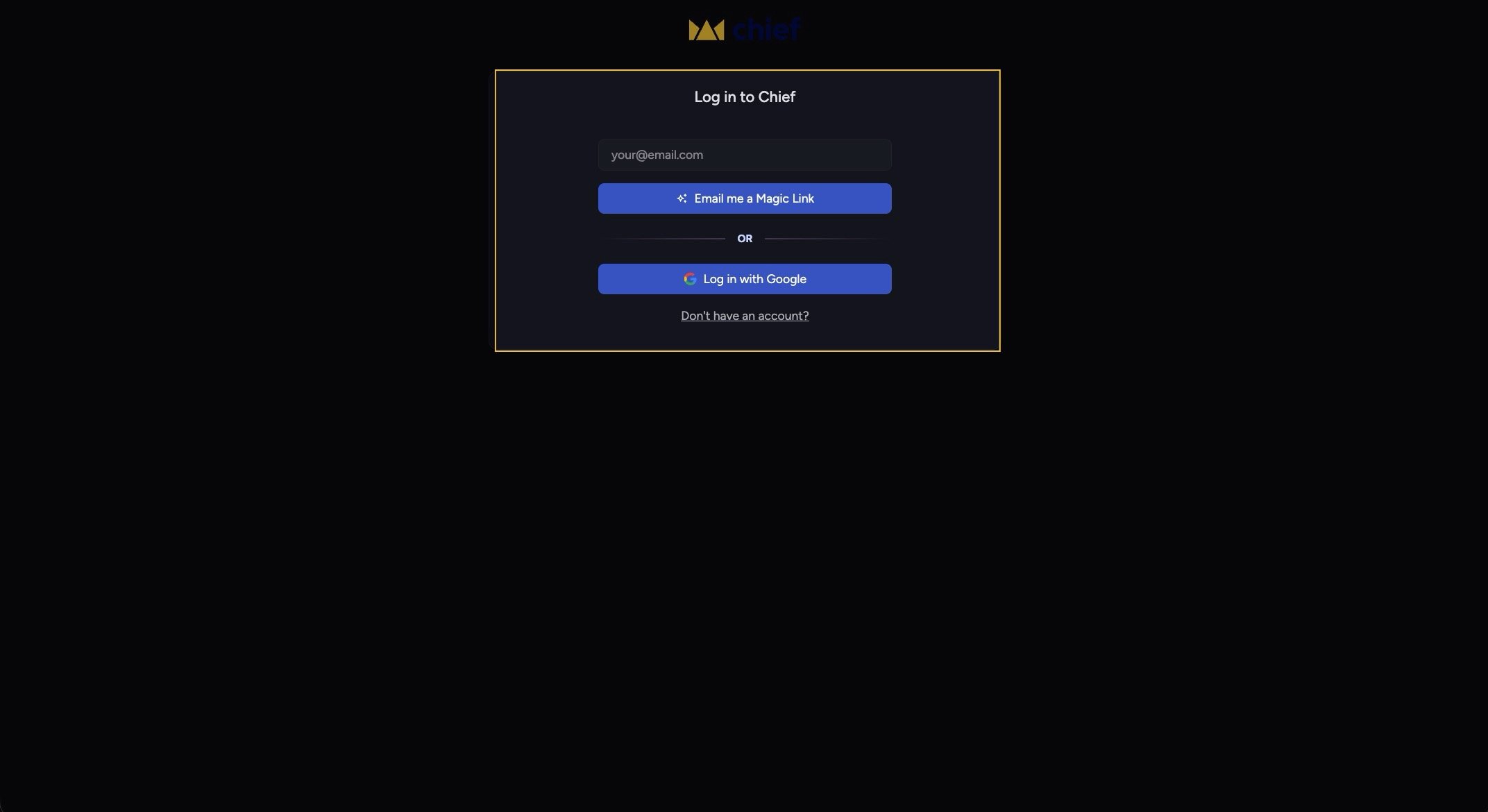
Create a new account
- Go to the Chief sign-up page. You’ll see the heading “Create an account” and the note “Your first 10,000 credits are on us” — see Free credits & what you get on signup.
- To use a Magic Link: type your email in the “your@email.com” field, then click the “Email me a Magic Link” button.
- Or, to use Google: click the “Sign up with Google” button and choose your account.
- If you used a Magic Link, you’ll see “Check your email to get started”. Open the email titled around “We’ve sent a Magic Link to your email” and click the link.
- If a verification step appears (“Verify you are human”), click the “Confirm” button to finish signing in.
Good to Know: If you sign up with a personal email (like a gmail.com address), Chief suggests using your work email instead — that unlocks the ability to share projects with colleagues, better responses, and early access to new features.
Log back in
- Go to the login page. You’ll see “Log in to Chief”.
- Enter your email and click “Email me a Magic Link”, or click “Log in with Google”.
- Open the email and click your Magic Link to land back in your account.
FAQ
I didn't get the Magic Link email. What now?
I didn't get the Magic Link email. What now?
Check your spam folder first — that’s the most common cause. The “Check your email” screen also has a “Didn’t get the email?” prompt. If it still doesn’t arrive, get help — email support@chief.bot from the address you used to register and the team will troubleshoot with you.
I got "Too many requests." Why?
I got "Too many requests." Why?
That’s a rate limit on Magic Link requests. The message asks you to wait an hour before trying again. You can also sign in with Google in the meantime.
Do I need a password?
Do I need a password?
No. Chief has no password option. You sign in only with a Magic Link or with Google.