

Leave a task running

Return when the response is ready

- Click the bell in the sidebar.
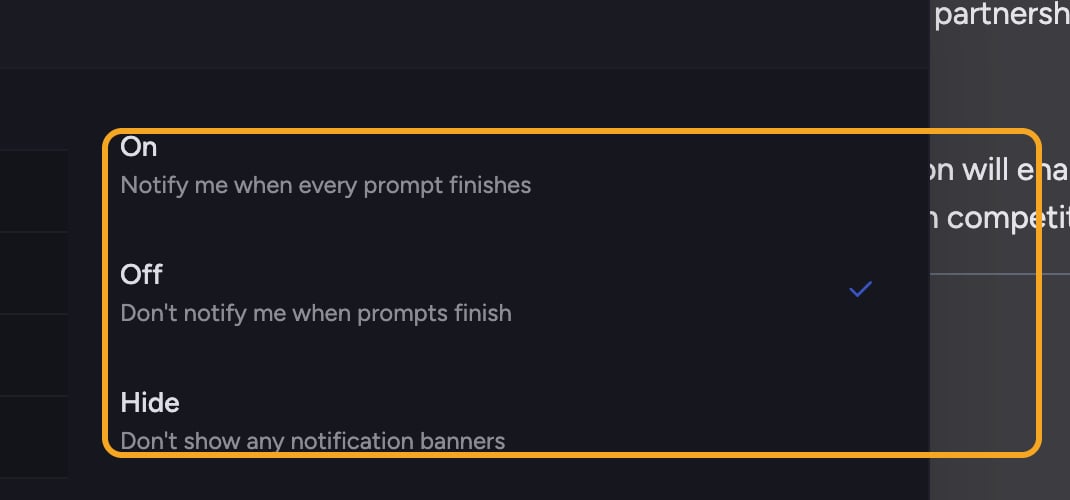
- When the prompt finishes, its entry moves out of In progress and Chief adds a Your response is ready notification.
- Select the notification to reopen the completed task.
Manage notification history
FAQ
Can I close the browser while Chief works?
Can I close the browser while Chief works?
Yes. Generation runs on Chief’s side. Return to Chief and open the notification bell or the original task to see its status.
Will my answer be lost if I close the tab?
Will my answer be lost if I close the tab?
No. The response keeps generating on Chief’s side. Reopen the task and you’ll find the completed answer waiting.