

Symptoms
- Library search shows No Files matched your search. even though you know the content exists.
- Task search returns No matches for your query, or Search failed. Try again.
- You’re told to Type at least {count} characters to search.
- You can’t find what was said in a meeting transcript.
Likely causes
- Library search matches File names only — not the text inside files.
- You’re searching for words that appear in the content, not the file’s name.
- Task full-text search is gated to paid plans.
- The query was too short, or used only excluded terms.
Solution
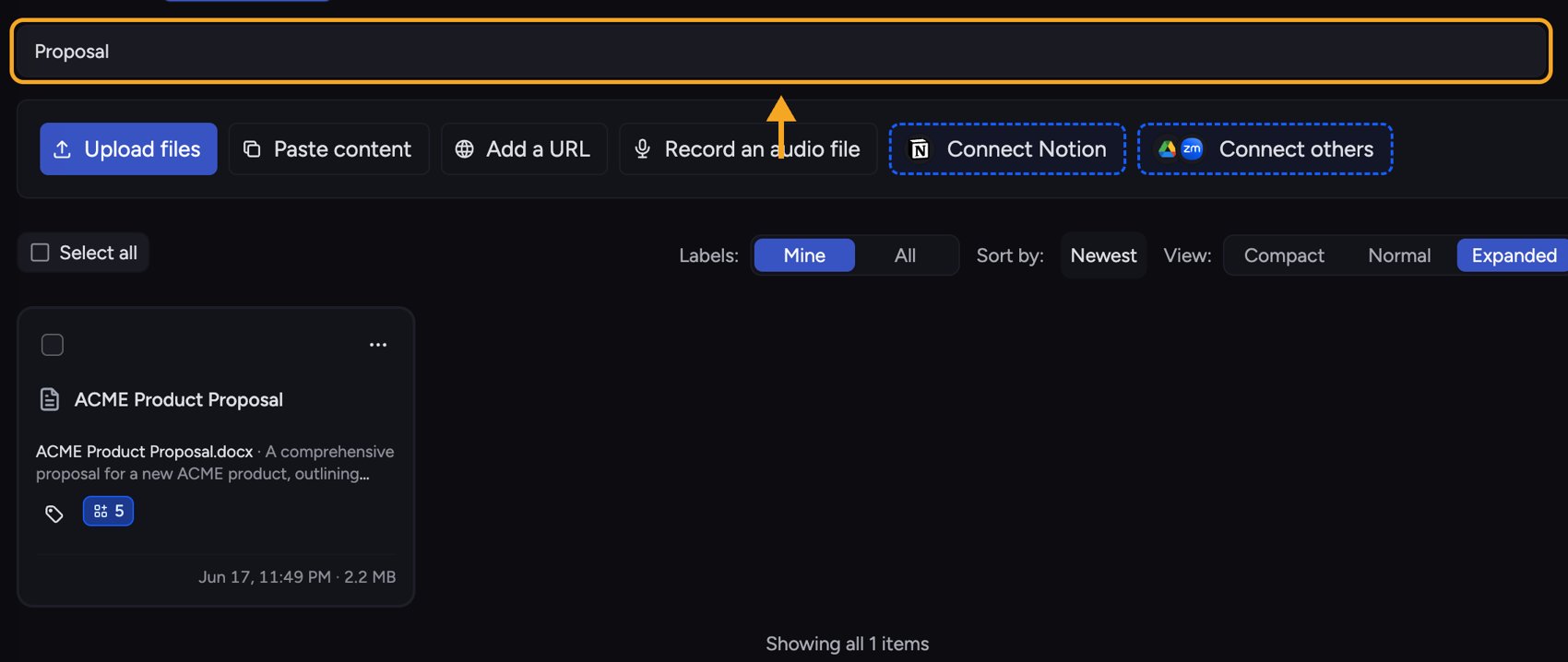
- In the Library, type into the search box. Remember it matches the file name, so search by what the file is called, not by a phrase inside it.
- If you get No Files matched your search, clear the box and try a shorter or partial name.
- To find content inside files, don’t use Library search — start a task and ask Chief about the topic. The hint “Did you mean to start a task instead?” points you here.
- Open Search for tasks and type your query (at least the minimum number of characters shown).
- Use the inline filters — From, Scope, After, Before — to narrow results. Use quotes for an exact phrase and prefix a word with - to exclude it.
- If you see “Add at least one positive word,” your query was only exclusions — add a term to search for.
- On Search failed. Try again., re-run the search.
Still stuck?
If task search keeps failing on a valid query, get help — email support@chief.bot with the search terms you used.FAQ
I searched the Library for a sentence inside my PDF and got nothing.
I searched the Library for a sentence inside my PDF and got nothing.
That’s expected — Library search matches file names, not the text inside files. To search inside your documents, start a task and ask Chief about that content directly.
How do I search inside a meeting transcript?
How do I search inside a meeting transcript?
Open the Live Session and click Find in session (the search icon in the session header) or press Cmd+F to search the transcript for exact words. To search by meaning, click Start task from the session and ask Chief to find the part you need.
Task search says "Search failed. Try again" every time.
Task search says "Search failed. Try again" every time.
Try a simpler query with at least the minimum characters and no syntax errors (don’t search with only excluded words). If it still fails, it’s likely a temporary issue — contact support.