

Bring a web page into your Library
You do not have to download a page to use it. Paste its address and Chief fetches the content and adds it to your project’s Library, where it processes just like an uploaded file.Add a URL
- Open the project you want to add the page to.
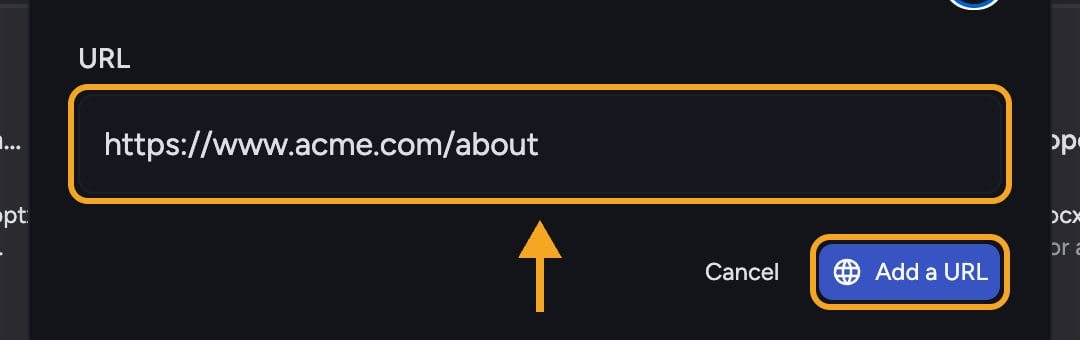
- Click Add a URL to open the Add URL to Project Library dialog.
- Paste the web address into the URL field. If you leave off
https://, Chief adds it for you. - Confirm to add the page. Chief fetches it and begins processing.
- The page appears in your Library and is ready to use in task once processing completes.
FAQ
I got "Failed to add URL. Please try again." What happened?
I got "Failed to add URL. Please try again." What happened?
Chief could not fetch that page. Check that the address is correct and reachable, then try again. Pages behind a login or that block automated access may not be reachable.
Chief says my URL is invalid.
Chief says my URL is invalid.
The address could not be read as a valid URL. Re-check for typos and make sure it points to a real web page.