

What an artifact is
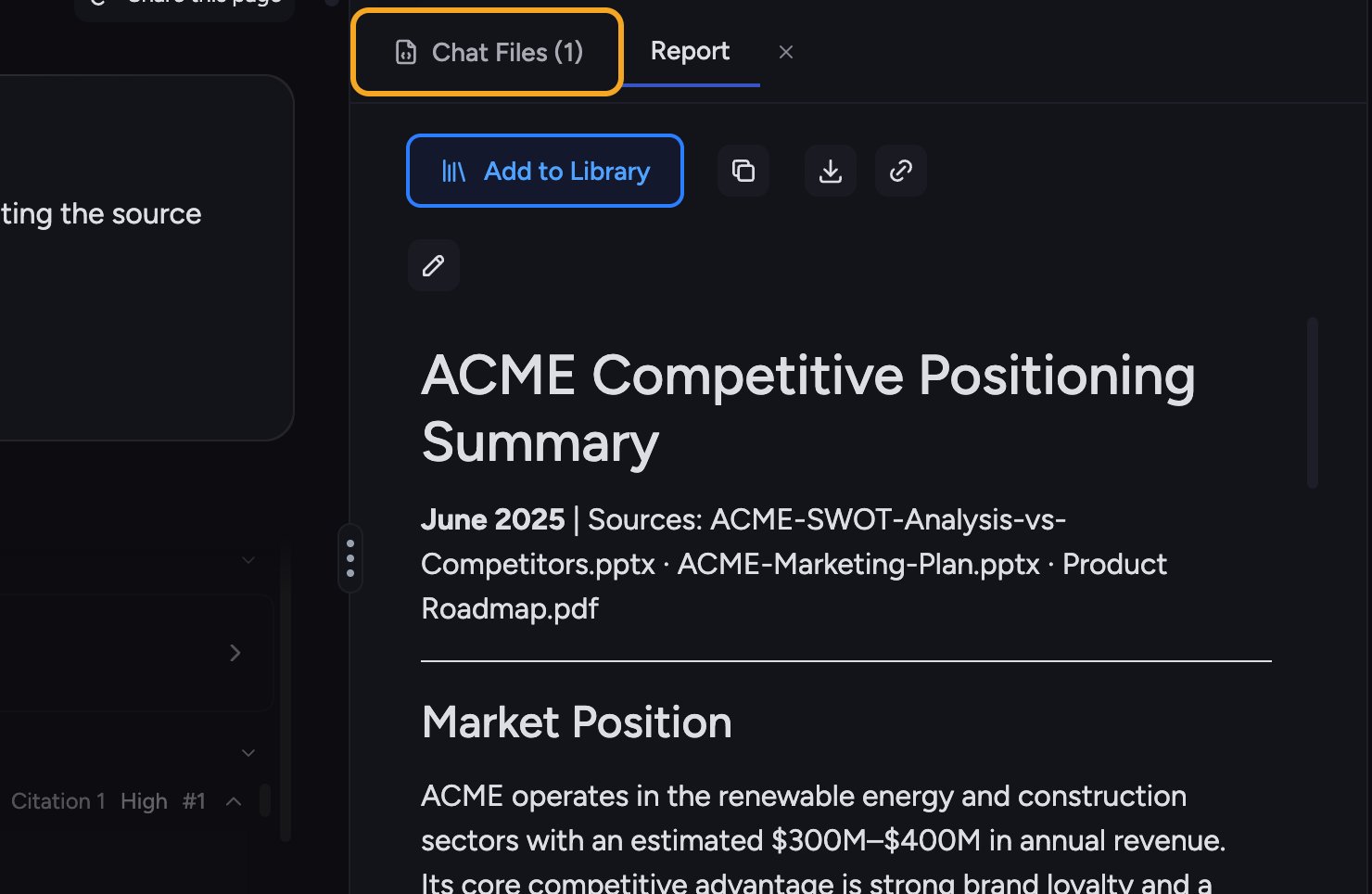
The document editor
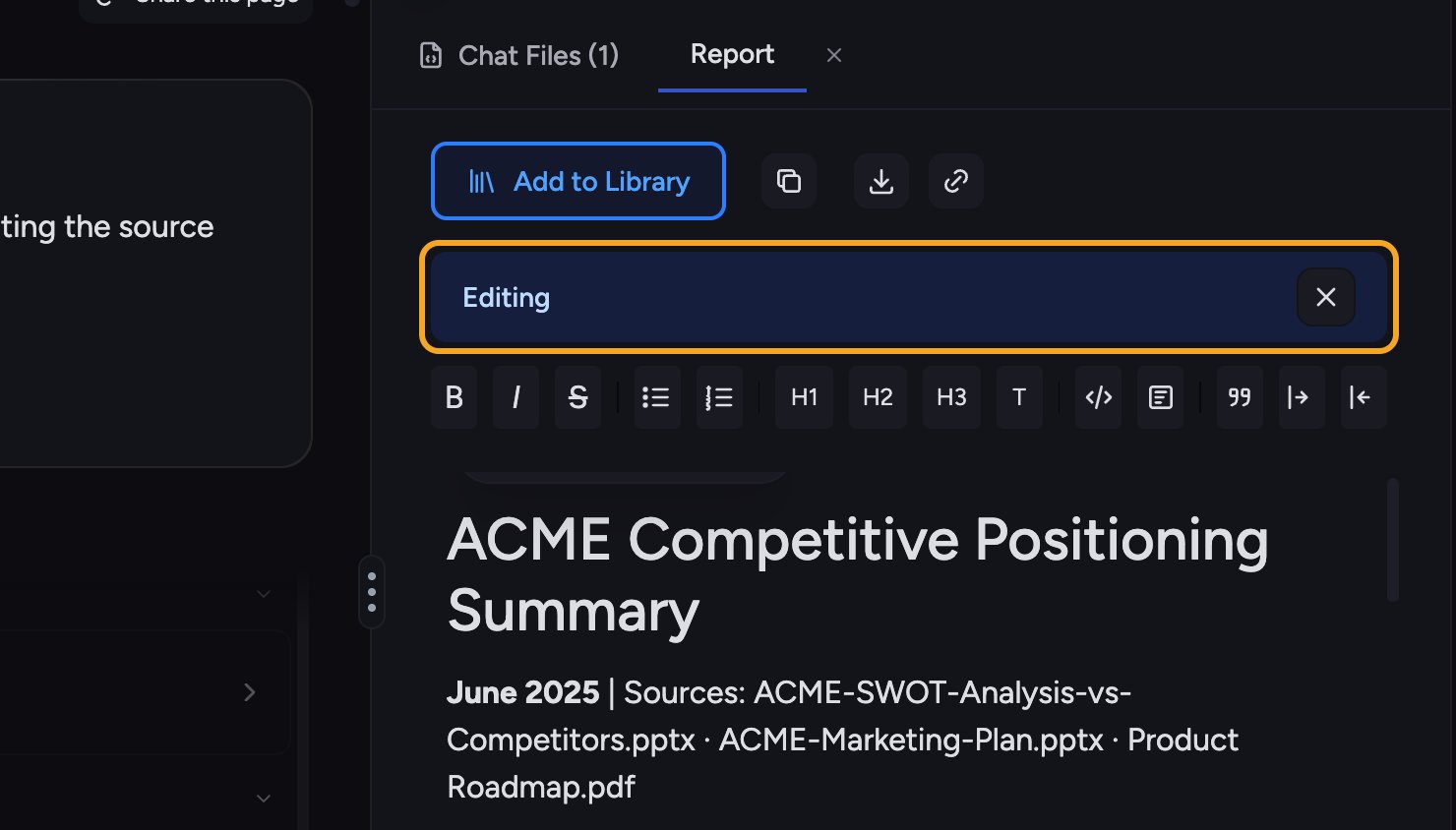
- Click the pencil icon — it reads Open Edit Mode when the panel is wide, and shows only the pencil when it’s narrow. The document switches to Editing mode.
- Format text with the editor toolbar (bold, italic, strikethrough, lists, headings H1–H3, and more).
- Use Revert to Original to undo your changes back to Chief’s first version.
ℹ️ Good to Know: If you leave edit mode with unsaved changes, Chief asks before discarding them (“Exit and Discard Unsaved Changes”). Save your work first if you want to keep it.
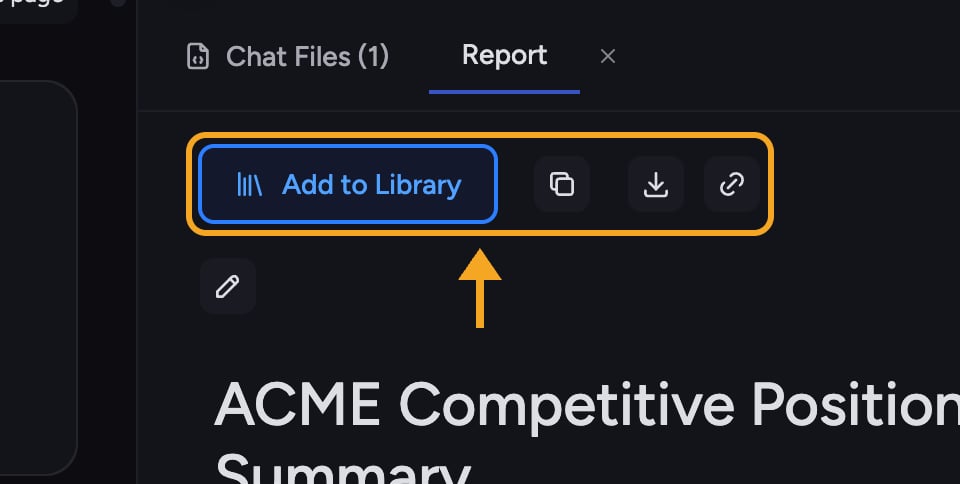
Keeping and exporting artifacts
FAQ
I edited a document but it didn't save.
I edited a document but it didn't save.
If saving fails (“Failed to save artifact”), try again. Don’t exit edit mode with unsaved changes — Chief will warn you, and discarding loses your edits.
How do I get back Chief's original version after editing?
How do I get back Chief's original version after editing?
Use Revert to Original in the editor to discard your edits and restore Chief’s first draft.
Where do I find everything a task created?
Where do I find everything a task created?
Open the Task Files tab for that conversation. Every artifact the task produced is listed there.