

Symptoms
- A File is stuck at Queued for upload, Processing, or Indexing and never reaches Ready.
- You see File type is not supported or File size exceeds the maximum allowed size.
- The File shows an Insufficient credits label with a Try Again button next to it.
- Download or Rename is greyed out in the File’s menu.
What the stages mean
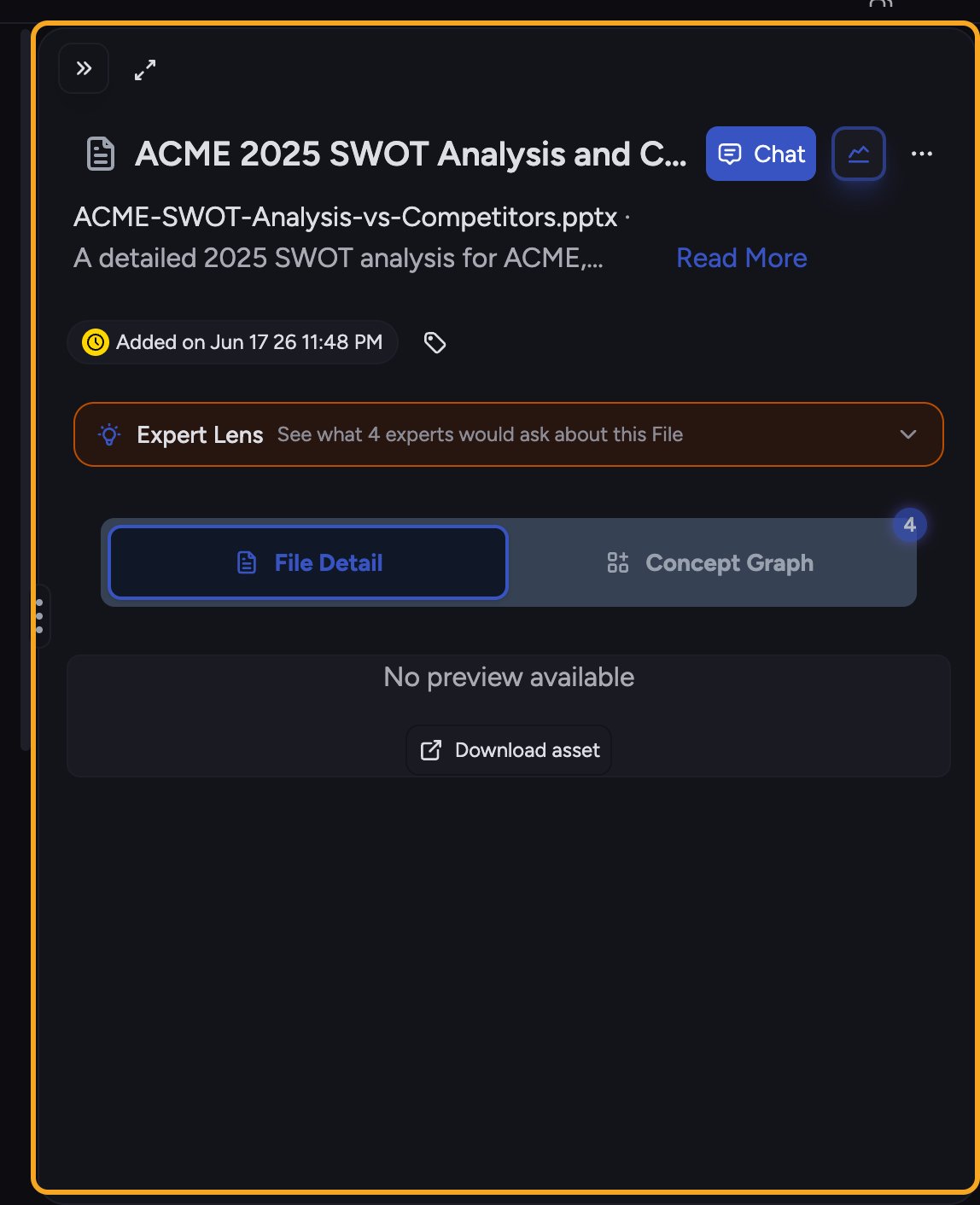
- Queued for upload / In queue for processing — waiting its turn.
- Processing — “Uploaded. Processing your file so you can work with it.”
- Indexing — “Ready for simple tasks with just this file.” You can already ask about it.
- Ready — “Ready for complex tasks with this file alongside all your knowledge.”
Likely causes
- The file is larger than the upload limit (100MB).
- The file type isn’t supported.
- The project ran out of credits, so processing can’t run.
- A large file or a busy queue is just taking longer than usual.
Solution
Option A — “Insufficient credits” on the File.- On the File showing Insufficient credits, top up your credits for the project.
- After topping up, click Try Again on the File. Its status changes to Queued and processing restarts.
- Confirm the file is within the 100MB limit. If it’s bigger, split it or compress it, then re-upload.
- If the type is unsupported, convert it to a common format (for example, export to PDF) and upload again.
- On the upload error, re-upload the file once it’s fixed, or click Get Help to reach support.
- If the File sits at Indexing, you can already start a simple task scoped to that one File while full indexing finishes.
- For large files, give it a few minutes. Download and Rename unlock once it reaches Ready.
ℹ️ Good to know: A File at Indexing is already usable for a quick task about just that File. Waiting for Ready only matters when you want Chief to reason across it together with the rest of your knowledge.
Still stuck?
If a File stays stuck well past a few minutes with credits available and a supported type under 100MB, use Get Help on the upload error, or email support@chief.bot with the file name.FAQ
I topped up credits but the File still shows the old error.
I topped up credits but the File still shows the old error.
Topping up doesn’t auto-restart a File that already failed. Click Try Again on that File — it should re-queue and show Queued, then move through processing.
Why can't I rename or download my File yet?
Why can't I rename or download my File yet?
Both actions stay greyed out until processing completes. Wait for Ready, then try again.
My retry says "Retry failed." What now?
My retry says "Retry failed." What now?
That means the re-queue didn’t take. Confirm credits are available and the file is a supported type under 100MB, then try once more. If it keeps failing, contact support with the file name.