

Why this matters
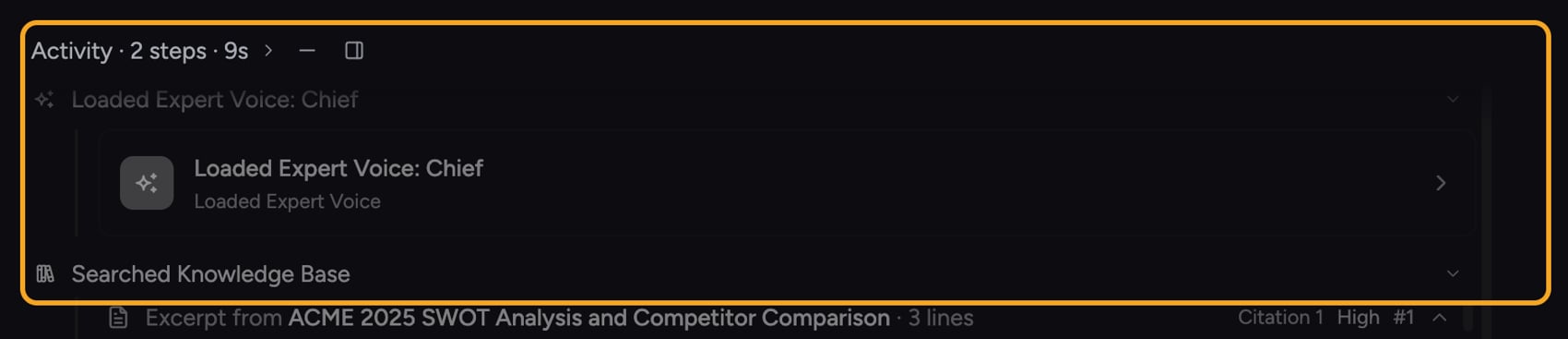
Most AI tools give you a single thread of thinking, no matter how big the question. Chief doesn’t. For a simple ask, you get a fast, direct answer. For a hard one — “compare our pricing to the three competitors in this folder and tell me where we’re exposed” — Chief quietly assembles a team of specialist agents that work in parallel, then hands you one synthesized, cited answer. Understanding this is the difference between treating Chief like a chatbot and treating it like an analyst bench that scales to the size of the problem.How it actually works
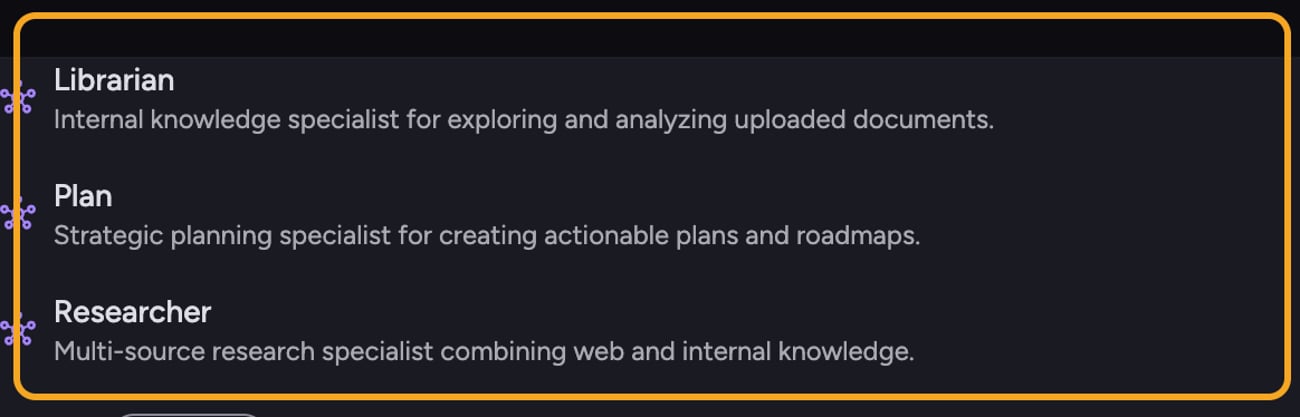
- Explorer — the external research specialist. It scans the open web, news, research papers, GitHub, social posts, personal sites, and financial filings. You can summon it directly by typing @explorer in your prompt.
- Librarian — your institutional memory made searchable. It works inside your uploaded documents, Library, transcripts, and connected tools such as Notion, Linear, GitHub, Slack, email, and calendar, surfacing the exact passage with a citation back to the source. Summon it with @librarian.
- Researcher — the synthesis engine and a superset of the other two. It draws from your internal knowledge and the open web at once, ideal for “how do our numbers compare to the market” questions. Summon it with @researcher.
ℹ️ Good to Know: Agents are a paid-plan feature, but they do not require Deep Intelligence mode. A mentioned agent runs at the intelligence level already selected for the task: Fast, Expert, or Deep Intelligence.
A worked example
FAQ
Will every question trigger a team of agents?
Will every question trigger a team of agents?
No. Chief can answer simple, direct questions without a specialist team. Multi-agent orchestration only kicks in when the request is complex enough to benefit from decomposition and parallel work.
I asked a complex question but it answered instantly without showing any agents — why?
I asked a complex question but it answered instantly without showing any agents — why?
Chief decides whether a request needs specialist agents, so some prompts are handled directly. Agents are a paid-plan feature and run only when the Agents tool is enabled for the prompt. The selected intelligence level does not control whether an agent is available.
Can I control which agents run?
Can I control which agents run?
Yes. You can request any of the four user-facing agents: @explorer for external research, @librarian for your internal documents, @researcher for multi-source synthesis, or @plan for structured planning. You can also leave agents unmentioned and let Chief choose them automatically.