

Generate a report
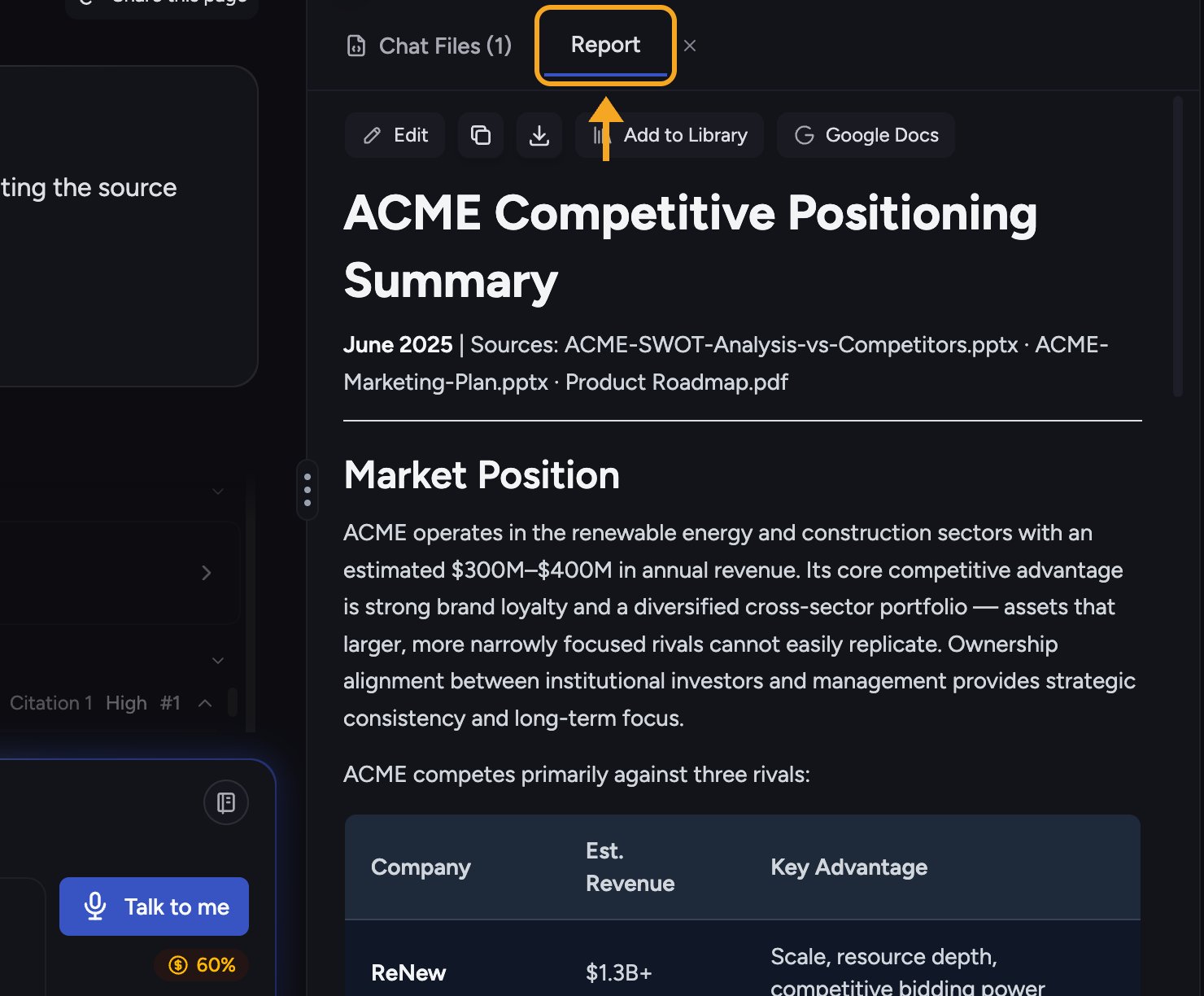
- In a conversation, ask Chief to produce a report or document, for example “Write a one-page report summarizing these findings with a recommendations section.”
- Chief builds it (you’ll see a Generating report… status while it works).
- When it finishes, it’s created as a File. Open it from the conversation to read it in the Report tab.
Download a report
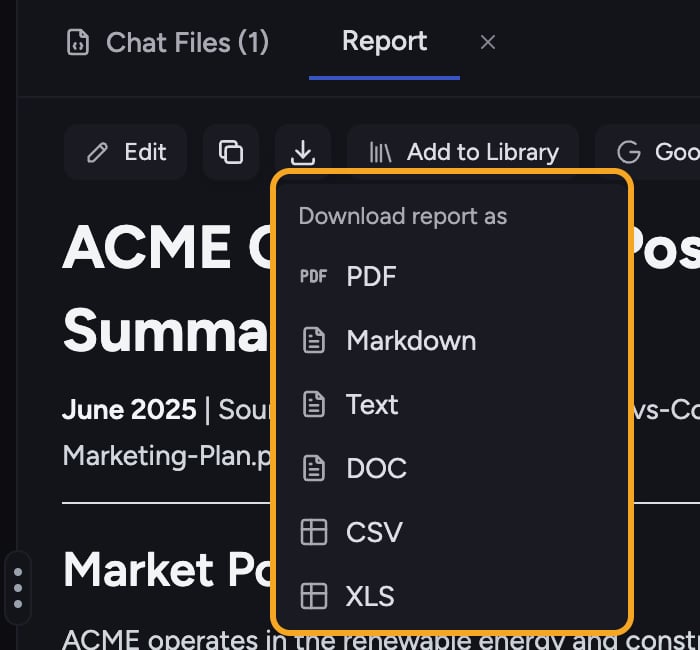
- In the report toolbar, open the Download menu (Download report as).
- Choose a format: PDF, Markdown, Text, or DOC.
ℹ️ Good to Know: CSV and XLS appear in the download menu only when the report contains a table. If your report is all prose, you’ll see PDF, Markdown, Text, and DOC but no spreadsheet formats.
Copy a report
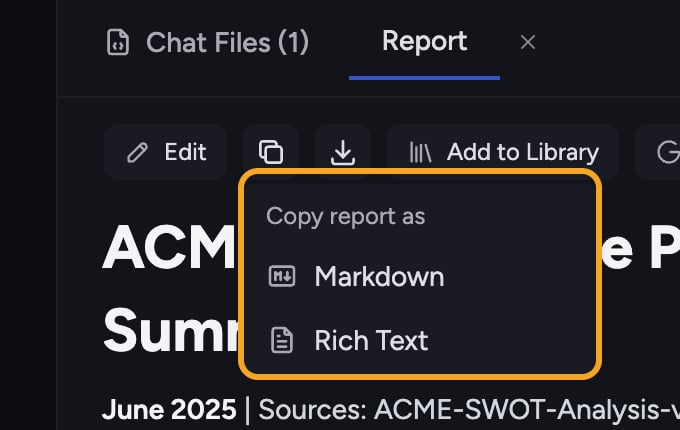
Save to your Project
Click Add to Library in the report toolbar to save the report to your Project Library, so you can keep it and share it with your team.FAQ
The PDF download failed.
The PDF download failed.
PDF export runs through a conversion service and can occasionally fail (“Failed to download PDF. Please try again.”). Try again; if it persists, download the report as DOC or Markdown instead.
Can I export a report to Google Docs?
Can I export a report to Google Docs?
No. Google Docs export is not available to customer accounts. Download the report as DOC or Markdown instead.