

Extend Actions with your own tools
Connect a remote MCP server (Model Context Protocol) to make its tools available in Chief alongside the built-in tools. After an organization owner registers the server and deploys it to a Project, people in that Project can use its tools in tasks and Actions. Actions can also pre-approve the server’s write operations. This workflow connects your server into Chief. To connect Claude Code, Cursor, or another AI client to Chief, use Chief’s vendor-hosted MCP server instead.How to connect
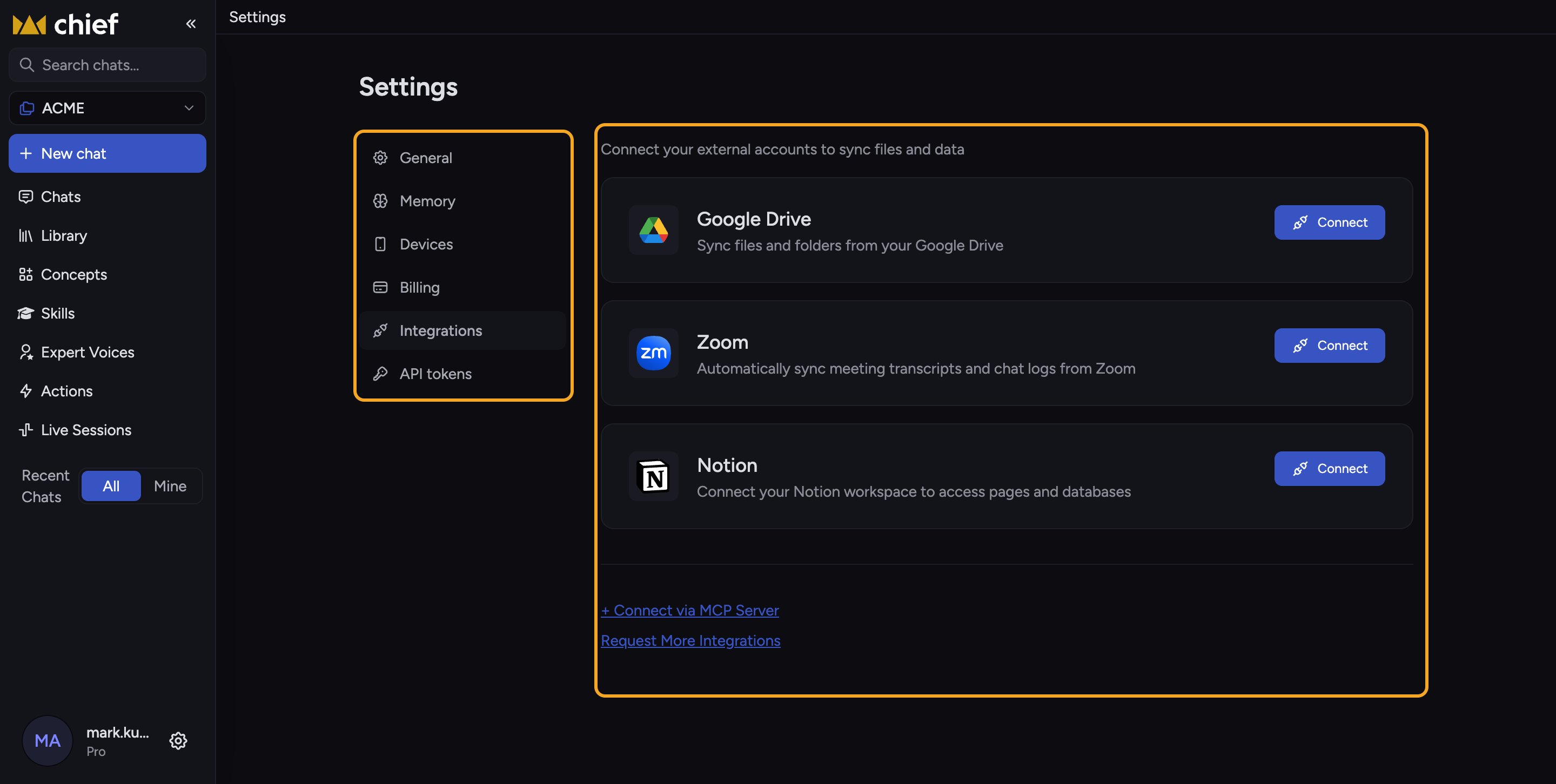
- Open Organization › Integrations. The Custom Integrations by MCP Servers section lists the servers your organization has added, with the catalog below them.
- Type the server’s name in Search the catalog, then click its entry. Chief opens the add form with its URL and name filled in. A server you’ve already added shows Already added. For a server that isn’t in the catalog, click Add by URL on the Don’t see your tool? tile to open the same form empty.
- Enter the server’s HTTPS endpoint in Server URL if it isn’t filled in, then click Check server. Chief shows the Authentication the server uses: Public, OAuth, per member, or Token, org-wide.
- Complete the fields Chief shows for that type. A token server needs a Token, plus a Header name (optional) if it doesn’t take a bearer token. An OAuth server that doesn’t register clients automatically needs a Client ID and Client secret.
- Adjust Name and Slug if you want, choose the Projects that should use its tools under Select projects, and click Save.
ℹ️ Good to Know: Custom integrations are plan-gated. If your plan doesn’t include them, the Custom Integrations by MCP Servers section is hidden and Organization › Integrations shows a Connect Chief to your team’s tools card instead. Click See plans on that card to upgrade.
FAQ
Do I need an MCP server to use Actions?
Do I need an MCP server to use Actions?
No. Chief’s built-in tools, email delivery, and Save to Library cover many workflows. Add an MCP server when Chief needs tools supplied by another service.
Why don't I see the catalog or Add by URL?
Why don't I see the catalog or Add by URL?
Only organization owners can manage custom integrations, and the feature must be included in your plan. Ask an organization owner to check Integrations, or contact Chief support.
Why can't I use an OAuth server's tools?
Why can't I use an OAuth server's tools?
The organization owner added the server, but you have not connected your own account for this Project. Open Connected accounts, find the server under Custom Integrations by MCP Servers, and click Connect.