

/ in the prompt bar to find prompts you have saved. The old Prompt Launchpad gallery is no longer part of the Project home page.
Open the prompt picker
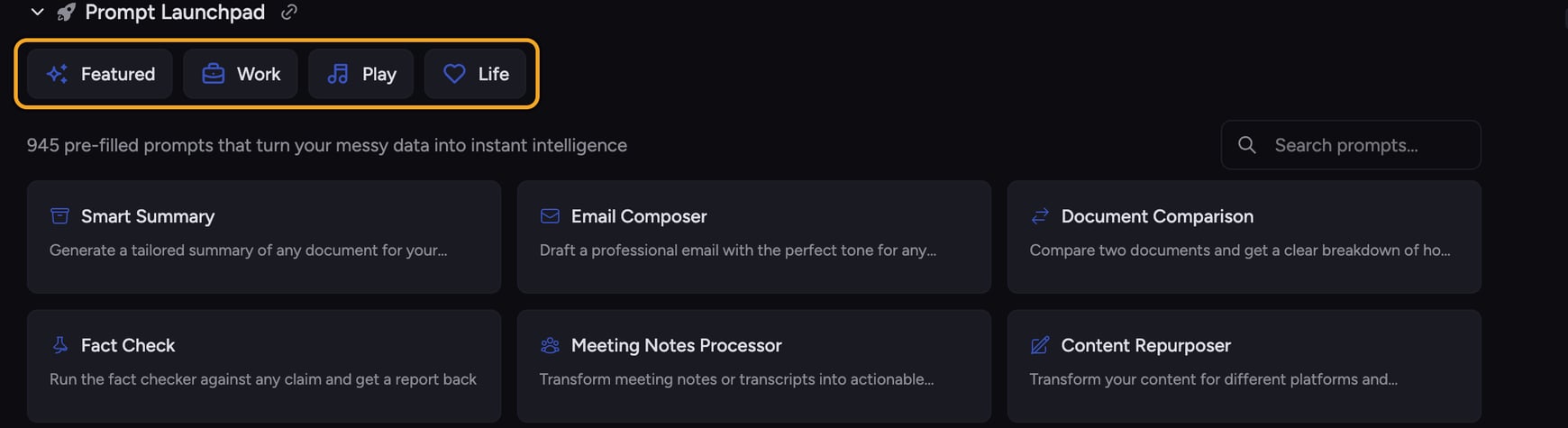
- Click the prompt bar.
- Type
/to open the prompt picker. - Continue typing to filter the list, then select one of your Saved Prompts.
- Fill any variable fields, review the text, and send it.
What you can do with prompts
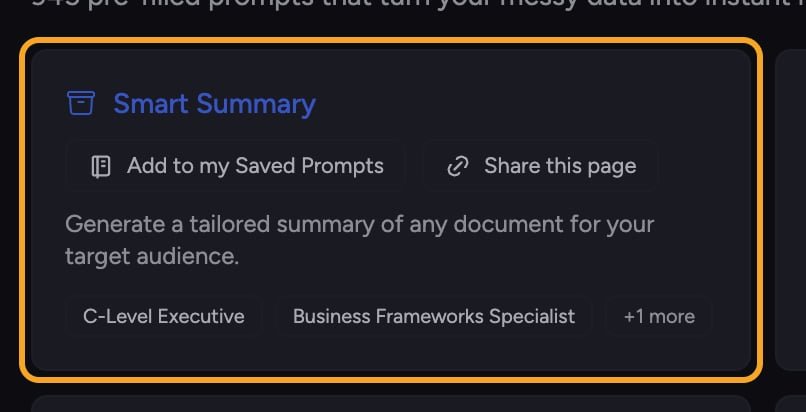
- Use a Saved Prompt. Choose one of your prompts from the
/picker and adapt it before sending. - Search your Saved Prompts. Find prompts you created for recurring work.
- Create your own template. Save repeated instructions and add fill-in variable fields.
- Share a Saved Prompt. Copy its link and send it to another Chief user.
One Saved Prompts library
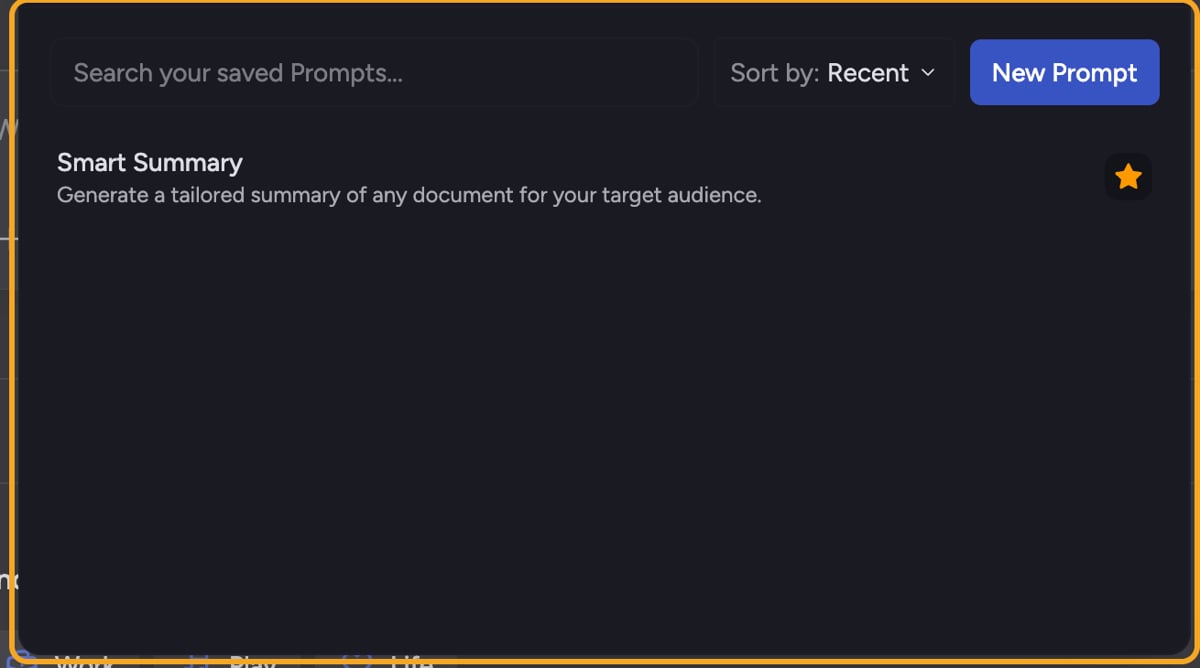
/ picker and the Saved Prompts panel both use this same collection of prompts you create and reuse.
Frequently asked questions
Do I have to type a whole prompt myself?
Do I have to type a whole prompt myself?
No. Type
/ and choose a Saved Prompt. Chief loads its content into the prompt bar so you can fill any blanks and edit it before sending.Why isn't the Prompt Launchpad on my Project home page?
Why isn't the Prompt Launchpad on my Project home page?
The Launchpad gallery was removed. Type
/ in the prompt bar to open the current prompt picker.Will choosing a prompt change my Project files?
Will choosing a prompt change my Project files?
No. Choosing a prompt only loads content into the prompt bar. Nothing runs until you send it.