

Manage an Action’s lifecycle
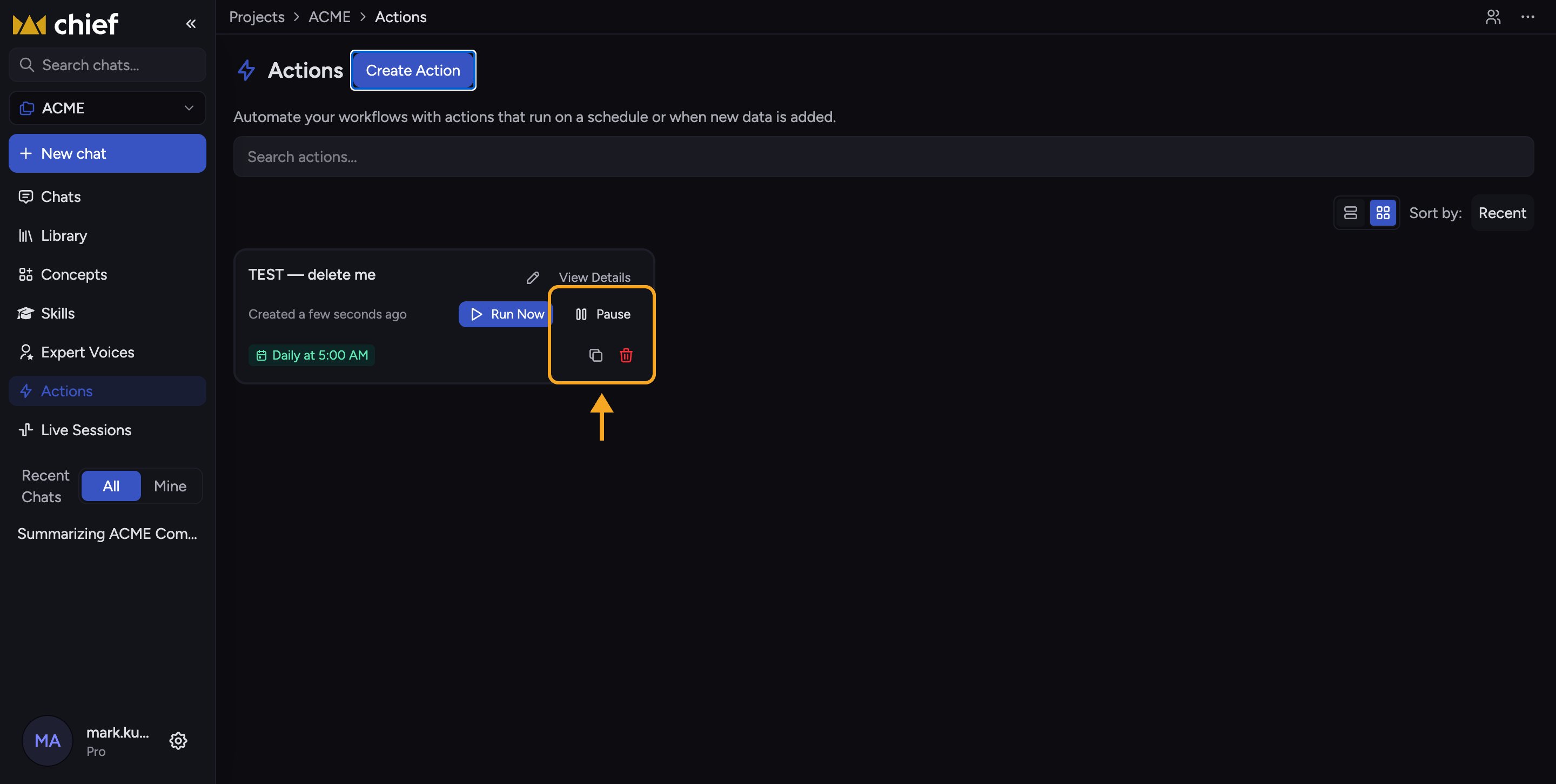
Every Action shows as a card on the Actions page inside a Project. Hover over a card to reveal its controls.Pause and resume
When a Project runs out of credits
Running out of credits does not pause the Action or transfer it to another Project member. A run that starts with no credits stops before Chief creates a task or retries the work. The Action stays active and returns to its normal schedule after the paying organization adds credits. If the balance reaches zero after a run has started, Chief keeps the task and any output already produced, but stops that run without retrying it. Check run history to review what happened.Duplicate
Click the Duplicate (copy) icon to create a near-identical Action named “[name] (copy)”. The duplicate is created paused so it won’t run until you review it and resume it.Delete
Click the Delete (trash) icon. A confirmation dialog asks “Delete [name]?” — click Delete to confirm. This cannot be undone.ℹ️ Good to know: If an Action shows an “Owner unavailable” banner with a Take ownership button, its creator left the Project. Click Take ownership to transfer it to yourself so it can run again.
FAQ
Does pausing lose my settings?
Does pausing lose my settings?
No. Pausing only stops runs. All your prompt, schedule, recipients, and output settings stay intact and return exactly as they were when you resume.
My Action is paused but I never paused it — why?
My Action is paused but I never paused it — why?
It may have been paused by another Project member, or its owner left the Project (look for the “Owner unavailable” banner). Take ownership and resume it, or ask a teammate. Running out of credits does not pause or transfer an Action.
Can I recover a deleted Action?
Can I recover a deleted Action?
No. Deletion is permanent. If you might need it again, duplicate it before deleting, or just pause it.