

Expert Voices shape how Chief talks to you
An Expert Voice defines how Chief communicates — its perspective, tone, and level of detail. While a Skill teaches Chief to do a specific task, an Expert Voice changes the style and point of view of the answer. Pick a voice, and Chief responds as that kind of expert until you switch it.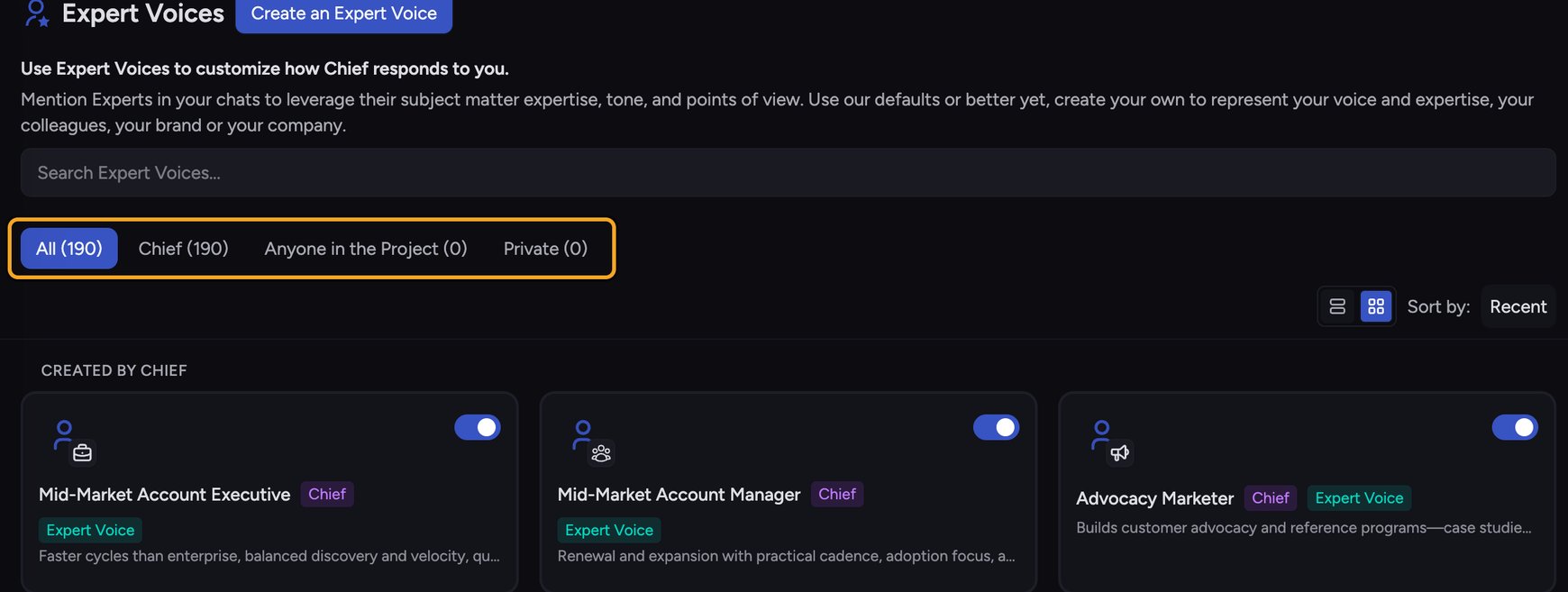
How Expert Voices work
- Built-in Expert Voices — ready-made voices provided by Chief (badged Chief).
- Custom Expert Voices — voices you create to capture your own style, a colleague’s, your brand, or your company. Scope them to Anyone in the Project or keep them Private.
Expert Voices vs. Skills
They’re managed together but solve different problems. A Skill provides task instructions (“turn these notes into action items”). An Expert Voice sets the voice and viewpoint of the response. You can combine them — for example, run a summary Skill while responding as a Business Executive.💡 Good to Know: An Expert Voice changes how Chief responds, not what it knows. It doesn’t add or remove access to your files, Projects, or Concepts.
FAQ
Where do I manage Expert Voices?
Where do I manage Expert Voices?
Open the Expert Voices page from the left navigation. It lists built-in voices (badged Chief) alongside any custom voices shared with your Project or kept Private.
Do I have to pick a voice?
Do I have to pick a voice?
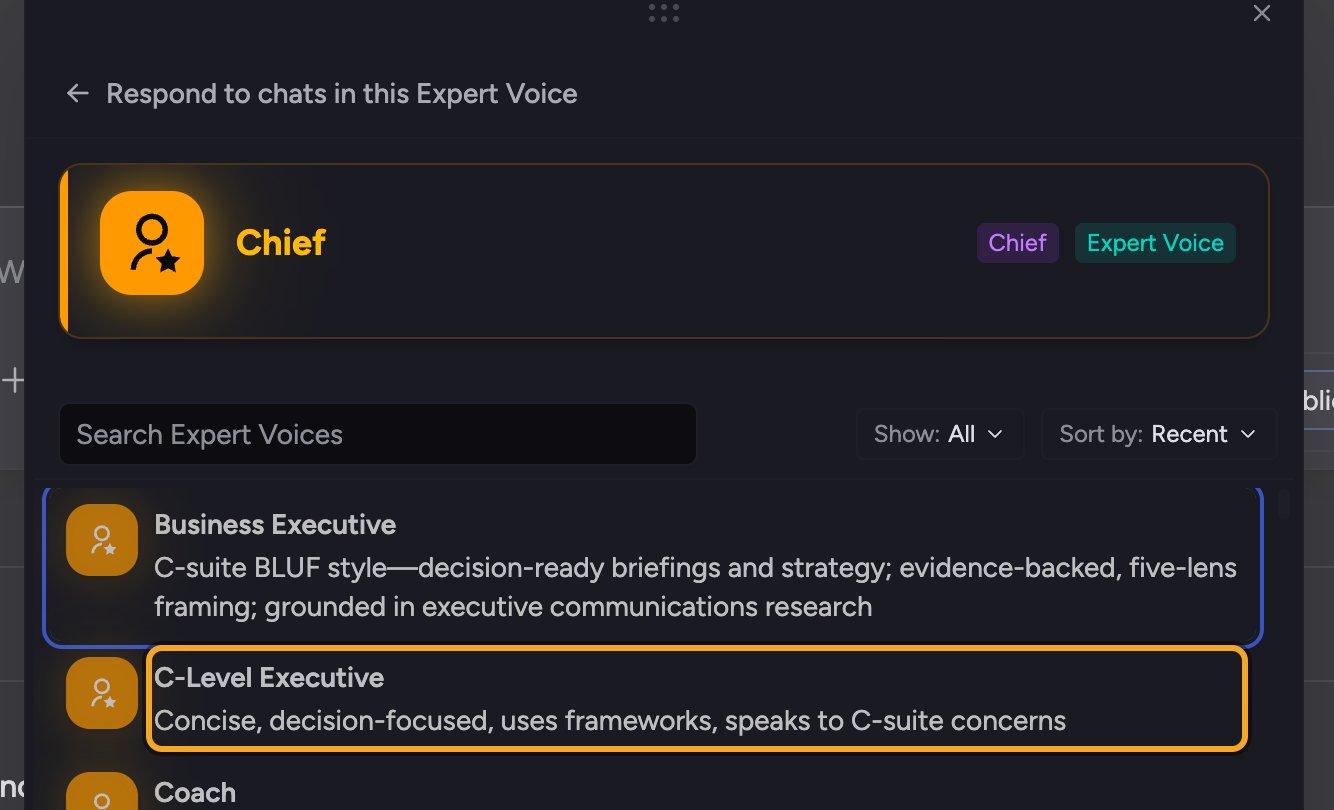
No. A fresh account starts with the Chief voice pre-selected. Click Reset to default in the voice picker to fall back to the neutral Default Expert Voice, which adapts to your task, or choose a specific voice when you want a particular tone or perspective.
I set a voice but the answers still sound generic.
I set a voice but the answers still sound generic.
Confirm the voice is actually applied: expand the prompt bar’s Using: row. When a voice is set, the Voice chip shows its name. If the chip only reads Voice, open the voice picker; its Selected tile names the neutral Default Expert Voice. If the chip or Selected tile names a different voice, select yours again. A voice applies to one task at a time, so a new task starts on your saved default unless you saved this voice with Use these settings for new tasks.