

What a Concept Timeline is
When you open a Concept, its details panel shows a timeline of the citations the Concept was built from. Each entry is a source file and the passages (chunks) Chief drew from it. The timeline is your audit trail: it lets you see, in order, exactly which evidence across your Library supports a theme — so a Concept is never a black box.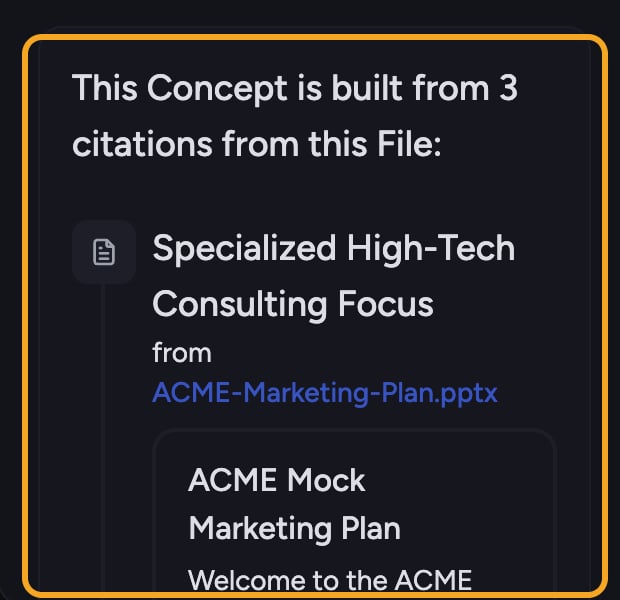
Open a Concept’s timeline
- Click Concepts in the left sidebar. It’s its own row, just below your Library.
- Click a Concept card to open its details in the side panel.
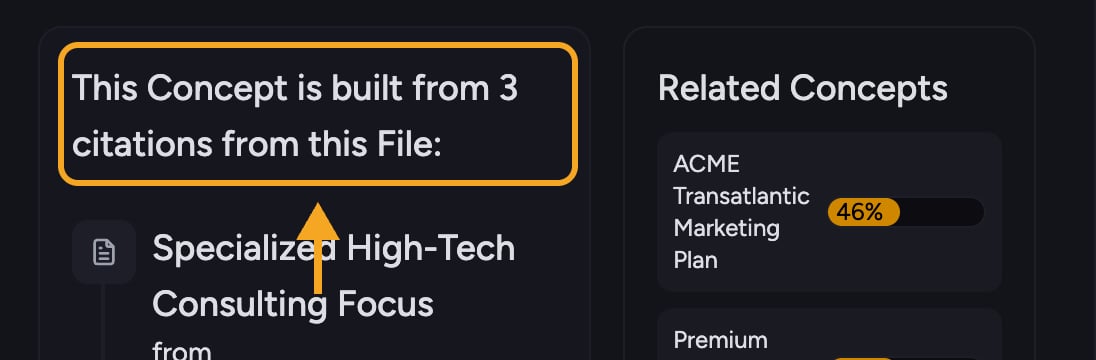
- Below the summary, find the line This Concept is built from N citations. The citation timeline appears beneath it.
Read the timeline
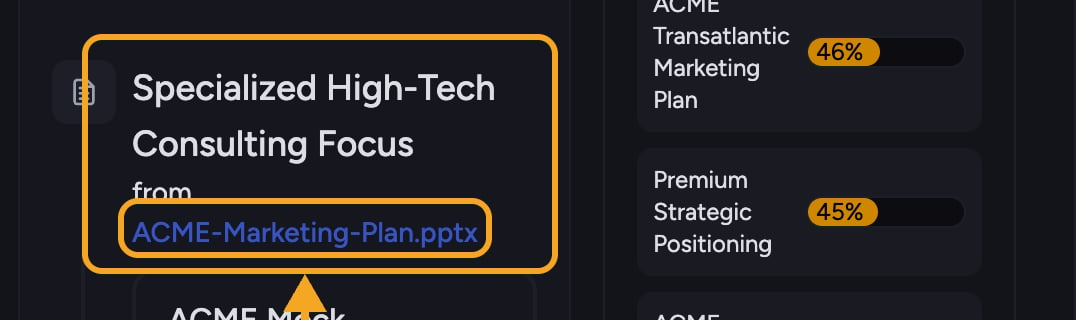
- Each source file appears as an entry, connected down the panel so you can follow the sequence.
- Each entry shows the citation name and a link reading from {file name} back to the source file. Entries don’t show a date.
- Click a passage to expand its full text; click again to collapse it back to a few lines.
- When an entry has several passages, click the + N more sources control to reveal the rest.
ℹ️ Good to Know: Click from {file name} on any citation to open the underlying file and read the passage in its full context.
When some citations are hidden
If you opened the Concept from inside a filtered view (such as a Collection), the timeline shows only citations from files within that view. A note tells you how many additional citations are hidden because they fall outside your data view. Click Remove filters in that note to see the Concept’s complete timeline.Frequently asked questions
The panel shows "Loading concept timeline" and a spinner — what's happening?
The panel shows "Loading concept timeline" and a spinner — what's happening?
Chief is fetching the Concept’s citations. This is normal; the timeline appears once loading finishes.
I see "Error loading concept timeline" — how do I fix it?
I see "Error loading concept timeline" — how do I fix it?
The citations couldn’t load this time. Close and reopen the Concept, or refresh the page, to retry.
It says "This concept has no citations yet" — is the timeline broken?
It says "This concept has no citations yet" — is the timeline broken?
No. The Concept simply has no source passages attached yet, which is common right after you define a Concept. Give Chief time to build it and the timeline will fill in.
Why is my timeline shorter than the citation count on the card?
Why is my timeline shorter than the citation count on the card?
You’re probably viewing the Concept through a filter, so citations from files outside that view are hidden. Click Remove filters to see every citation.