

How big can a file be
The maximum size for a single file is 100MB. If a file is larger, the upload is rejected and Chief shows a “file size exceeds the maximum” message naming the file. Split or compress oversized files and try again.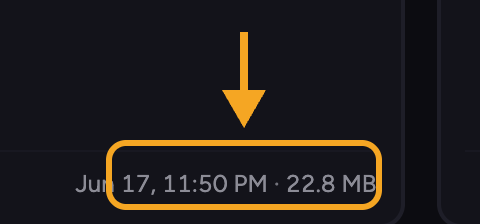
What happens after you upload
Uploading is only the first step. After your file arrives, Chief works through several stages to make it usable. You can follow these in the upload panel or on the file’s detail view.- Queued for upload — the file is lined up to be sent.
- Uploaded. In queue for processing — the file has arrived and is waiting its turn.
- Uploaded. Processing your file so you can work with it — Chief is reading and understanding the contents.
- Ready for simple tasks with just this file — you can already start a task with this one file while deeper indexing finishes.
- Ready for complex tasks with this file alongside all your knowledge — the file is fully ready and can be used together with the rest of your Library.
ℹ️ Good to Know: A file becomes usable in a single-file task before it is fully indexed. The final “ready alongside all your knowledge” stage is what lets Chief combine it with your other files.
FAQ
My upload was rejected for being too large. What is the limit?
My upload was rejected for being too large. What is the limit?
The maximum is 100MB per file. Compress or split the file and upload again.
A file is stuck in processing. What should I do?
A file is stuck in processing. What should I do?
Large or complex files take longer. If it never reaches a ready state and shows an error instead, open the file to see the reason — see My file won’t process or isn’t ready. If it ran out of credits to process, top up and try again.