

Why citations matter
Chief grounds answers in your sources and shows its work, so you are never guessing where a claim came from. Citations let you verify a fact, open the original file, and trust the answer enough to forward it.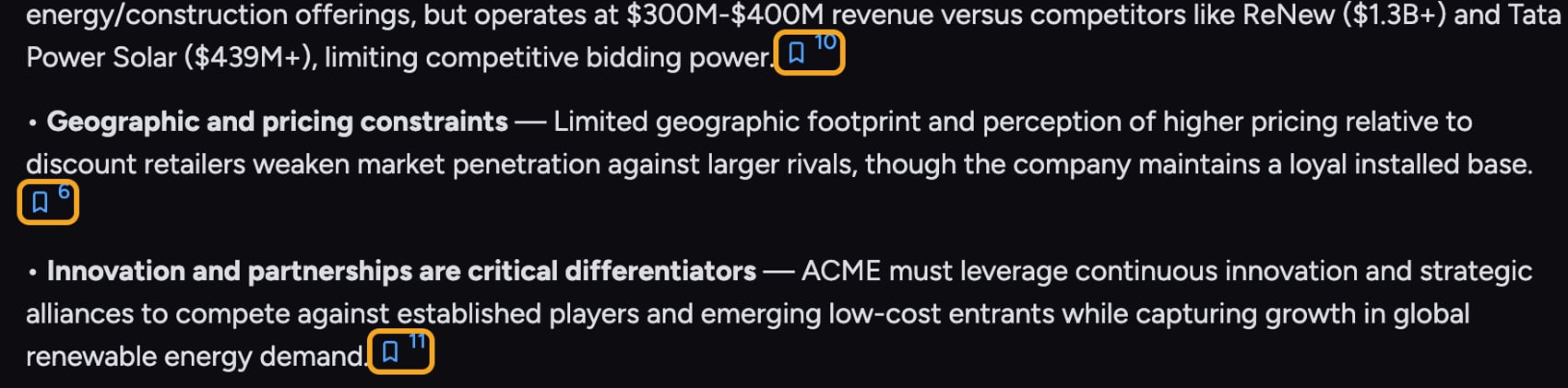
What you see in an answer
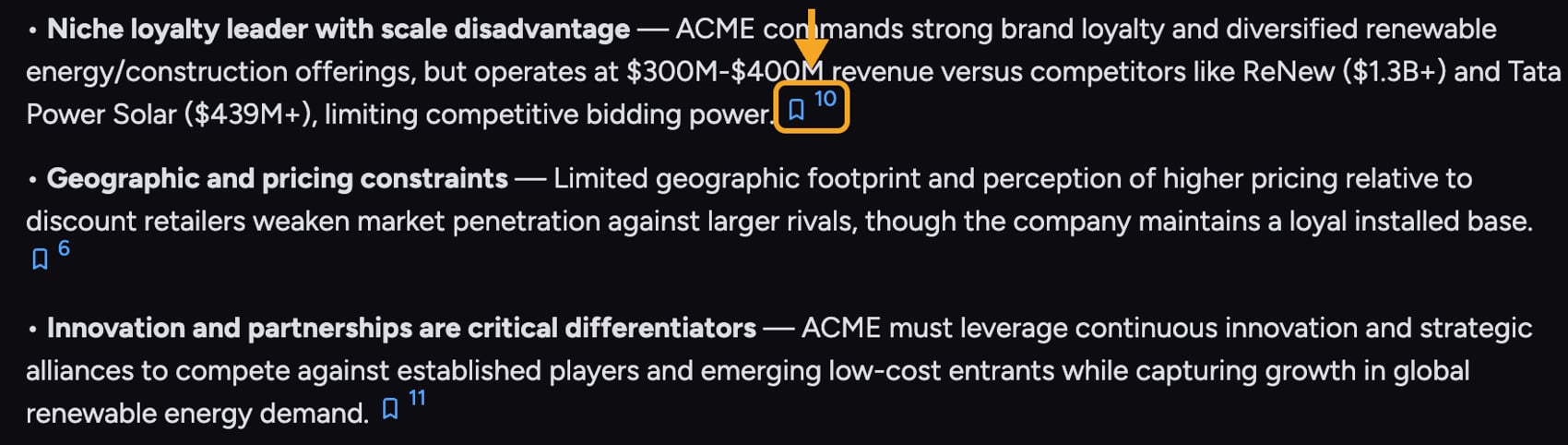
- Project files — documents, sheets, and other items in the current Project’s Library.
- Public data — web pages Chief read, shown with a link you can open.
- Knowledge — Concepts and other structured knowledge in your Project.
Verify a claim with Cite Sources
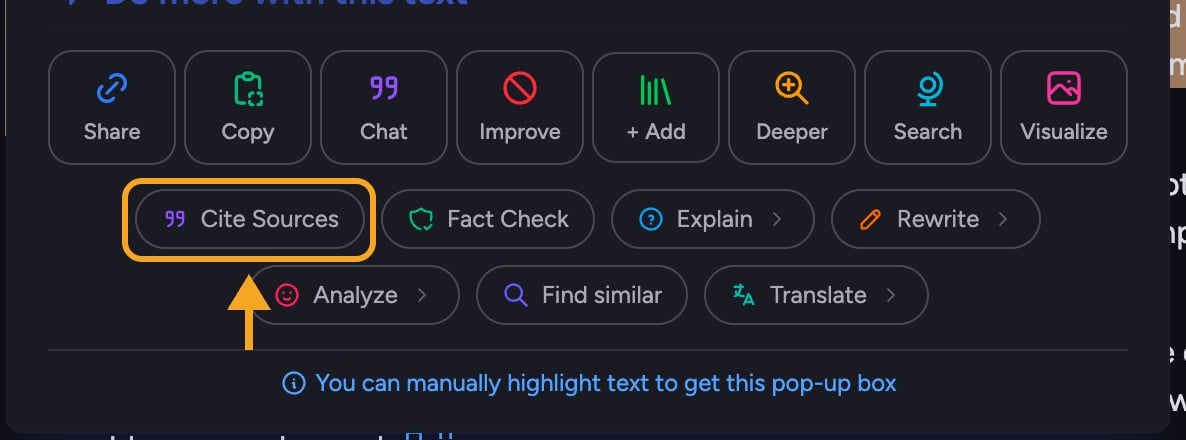
- In an answer, highlight the text you want to check. The Do more with this text menu appears.
- Click Cite Sources.
- Chief replies telling you whether each part came from Project files or public data, the source name (with a URL for web sources), the exact passage it used with surrounding context, and the page or sheet it was on.
When something looks off
FAQ
A citation links to a file I cannot open. Why?
A citation links to a file I cannot open. Why?
The source lives in a Project you are not a member of, or in a shared task where you do not have access to the underlying file. Ask the Project owner for access, or open the task from a Project you belong to.
Why does this answer have no citations?
Why does this answer have no citations?
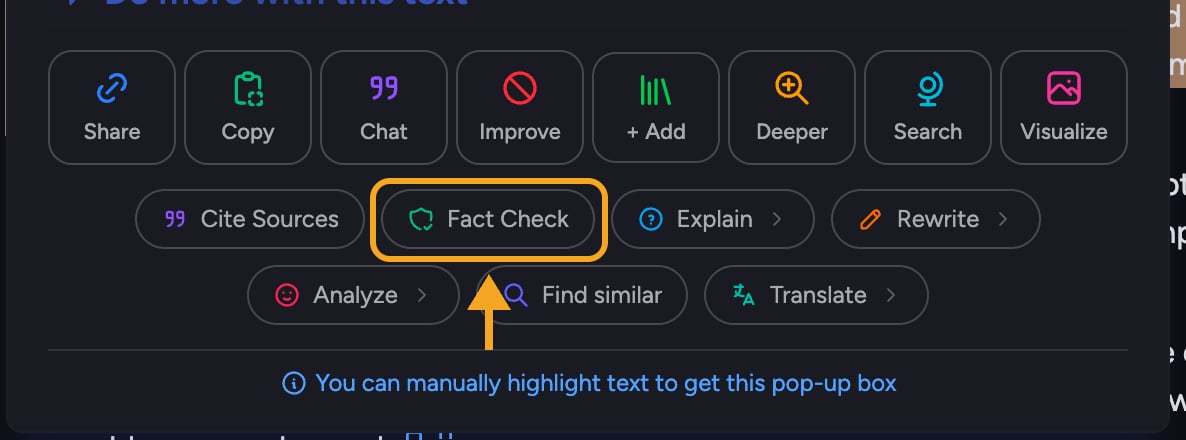
Some answers are reasoning or formatting rather than fact retrieval, so there is nothing to cite and no Sources row appears. If an answer makes factual claims without citations, highlight the text and run Cite Sources to ask Chief where it came from.
Can I trust a web citation as much as a Project file?
Can I trust a web citation as much as a Project file?
Treat web sources with the same scrutiny you would anywhere online. Open the link, confirm it says what the answer claims, and prefer your own Project files when accuracy is critical.