

Symptoms
- A modal reads Out of credits or This project is out of credits.
- A File shows Insufficient credits.
- You have a personal balance but still can’t work in a project.
- A banner nudges Refill Soon: Almost out of credits.
Likely causes
- Your personal credit balance reached zero.
- You’re in a project paid for by an organization, and that project ran out of credits — your personal balance doesn’t apply there.
- A large file or heavy task used credits faster than expected.
Solution
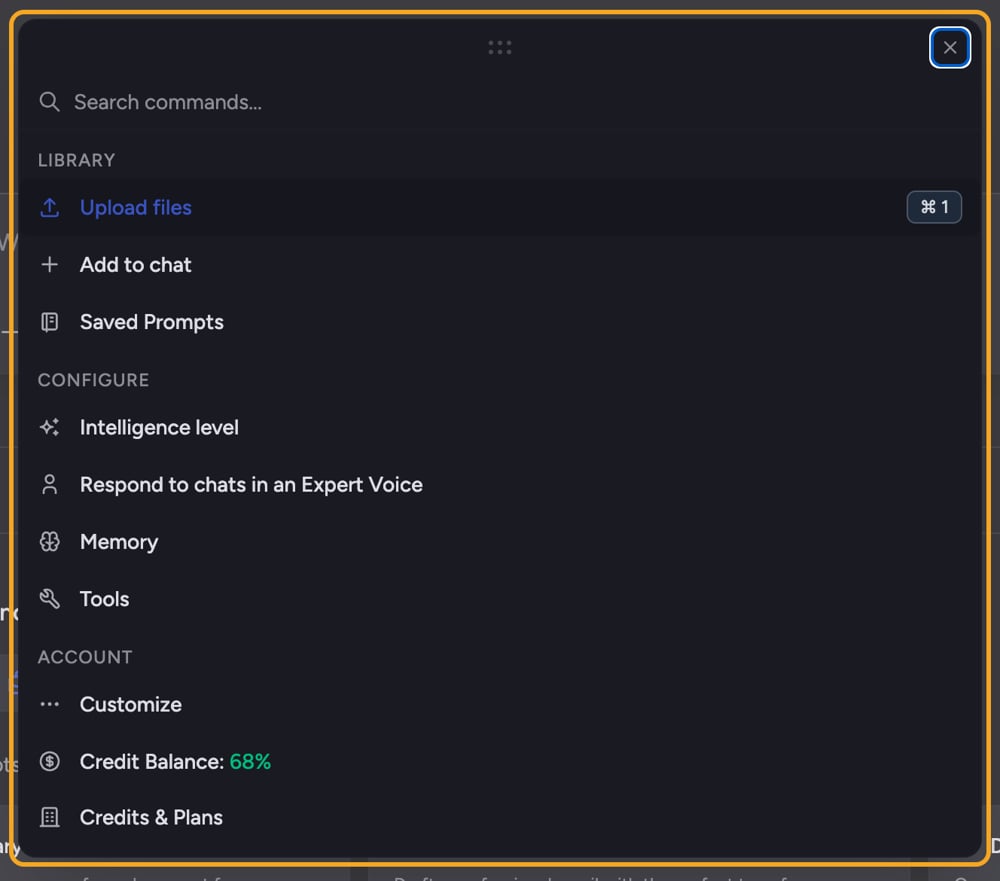
- On the Out of credits modal, click Refill Credits to top up and keep using Chief.
- You can also wait for credits to be refilled if your plan refills on a schedule.
- If you see This project is out of credits, note that the organization that pays for the project has run out — and “Your personal balance doesn’t apply to this project.”
- Contact the project owner (the modal shows their email) to top up so the team can keep working there.
- On a File showing Insufficient credits, first top up your credits.
- After topping up, click Try Again on that File to re-queue it.
ℹ️ Good to know: Credits are tied to who pays. Your personal balance covers your own work, but a project funded by an organization draws on that organization’s credits — not yours.
Still stuck?
If your balance shows credits but Chief still blocks you, or a refill didn’t apply, email support@chief.bot with your current balance and what you were doing.FAQ
I have plenty of personal credits but a project says it's out.
I have plenty of personal credits but a project says it's out.
Personal credits don’t apply to a project paid for by an organization. That project draws on the owner’s credits — contact the project owner shown in the modal to top up.
I refilled but Chief still shows "Out of credits."
I refilled but Chief still shows "Out of credits."
Refresh the page so your new balance loads. If a specific File still shows the credit error, click Try Again on it. If the block persists, contact support.
Why did I run out so fast?
Why did I run out so fast?
Processing large files and running complex, multi-step tasks use more credits. Check Usage This Month in your credits panel to see where they went.