

What the Concepts page shows
The Concepts page has two parts: the interactive Concept Graph on top and a list of Concept cards below. Each card shows the Concept’s name, a short summary, and how many citations and source files it’s built from. This article covers getting around that page and opening a single Concept’s details.
Open the Concepts page
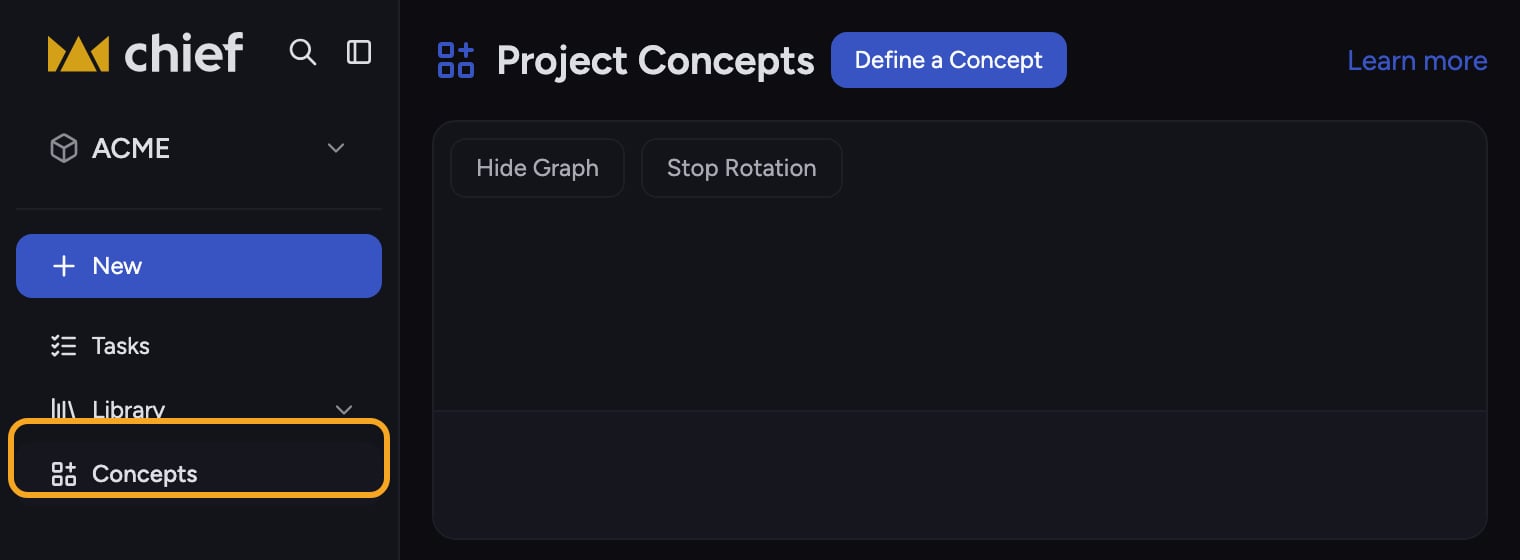
- In the left sidebar, click Concepts. The page opens under the heading Project Concepts.
Search and sort the list

- Click the Search concept names box above the list and type to narrow the cards to matching names.
- Click the Sort by dropdown to reorder the list: Created by you, Chief (surfaced automatically), Newest, or Oldest.
Switch between card and row views
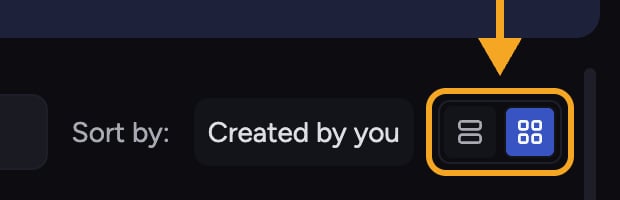
- Use the view toggle at the top-right of the list to switch between a card grid and a compact row layout, whichever is easier to scan.
Open a Concept’s details

- Click any Concept card. Its details open in a side panel, and the matching node lights up in the graph above.
- In the details panel you’ll see the Concept’s name, its summary or description, and a line reading This Concept is built from N citations from one or more files.
- Scroll the panel to read the citations themselves: each source file is listed with its passages (chunks). Click a passage to expand or collapse its full text.
- When a passage list is long, click the + N more sources control to reveal the rest.
Act on the Concept
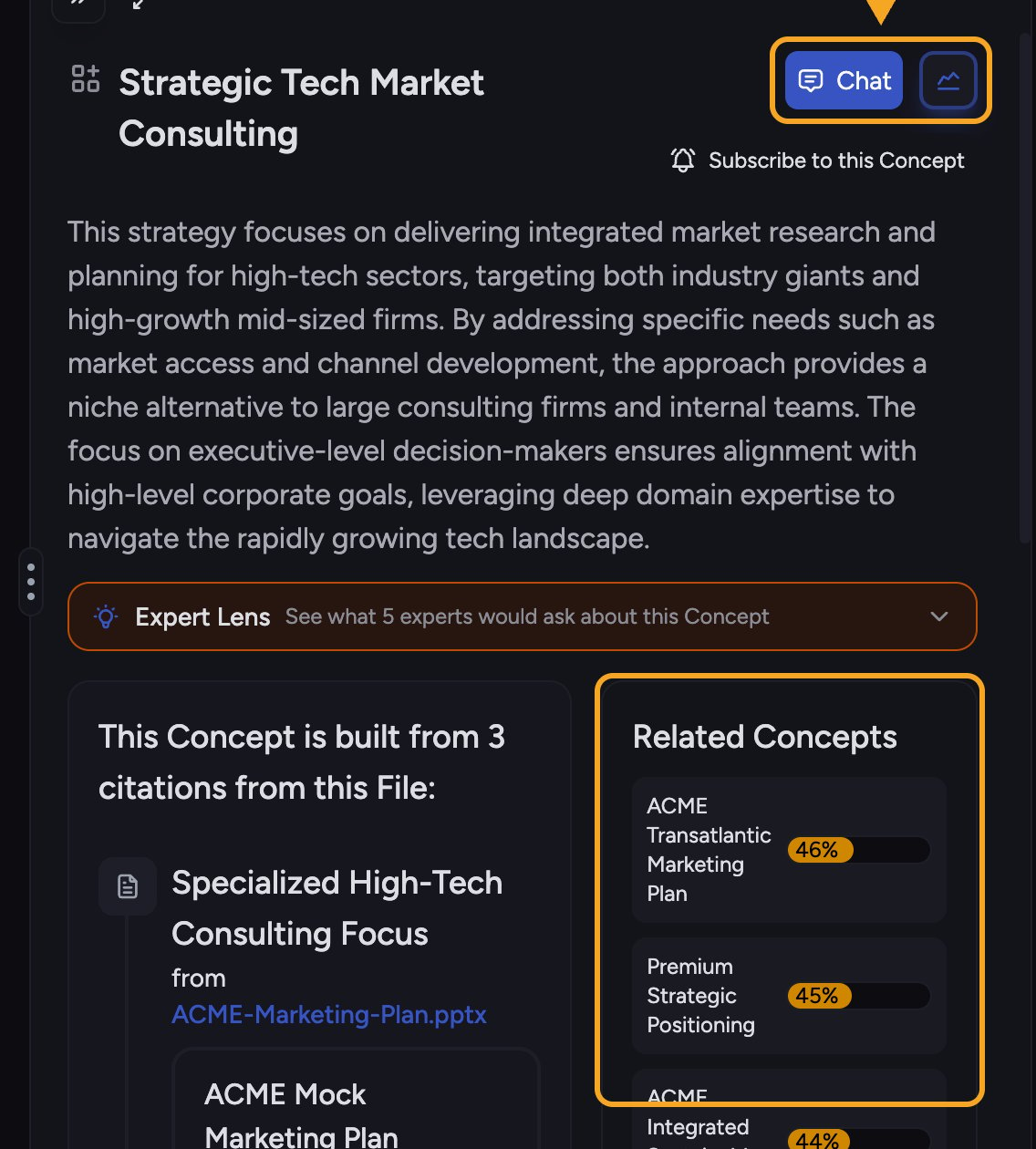
- Click Start task in the details panel to start a conversation grounded in this Concept’s source passages.
- Click the animated icon next to Start task — its picture changes every couple of seconds — to turn the Concept into a graphic. It opens a window titled Visualize this Concept.
- Check Related Concepts in the panel and click one to jump straight to it.
ℹ️ Good to Know: Esc doesn’t close the side panel. To use it, first open the Concept in the main view with the diagonal-arrows icon at the top of the panel. There, the back button shows an Esc key, and pressing Esc returns you to the Concepts page and its graph.
Frequently asked questions
A Concept's details say "This concept has no citations yet" — why?
A Concept's details say "This concept has no citations yet" — why?
The Concept exists but Chief hasn’t attached source passages to it yet — common right after you define a Concept. Give it a little time and the citations will populate.
The details panel shows "Error loading concept timeline" — what do I do?
The details panel shows "Error loading concept timeline" — what do I do?
That means the citation list couldn’t load this time. Close and reopen the Concept, or refresh, to retry loading its citations.
What's the difference between citations and files in the count?
What's the difference between citations and files in the count?
Citations are individual passages; files are the documents those passages came from. One file can contribute several citations, so the citation count is usually higher than the file count.