

Why branch a task
Branching lets you try a different version of a turn without throwing away the first one. Re-ask a question a new way, explore a “what if,” or compare two approaches side by side — each path is kept, so you can switch between them and keep the one that works.Create a branch by editing a message
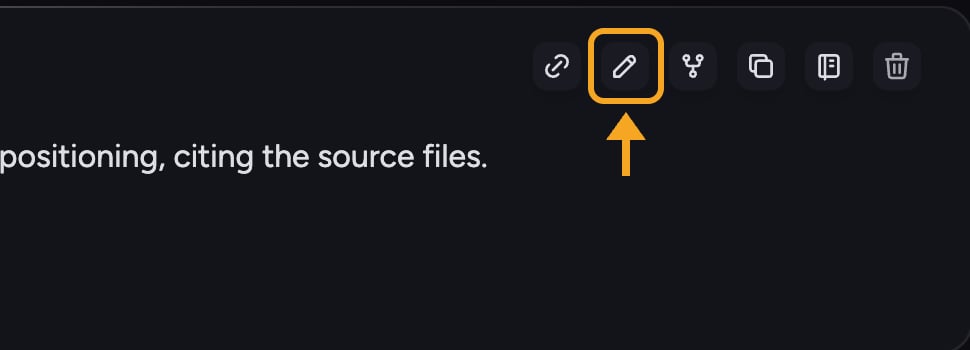
- Find one of your earlier messages in the thread and edit it.
- Change the wording, then send. Chief produces a fresh answer for the edited version while preserving the original.
- The turn now has more than one branch — the original and your new version both live in the thread.
Move between branches
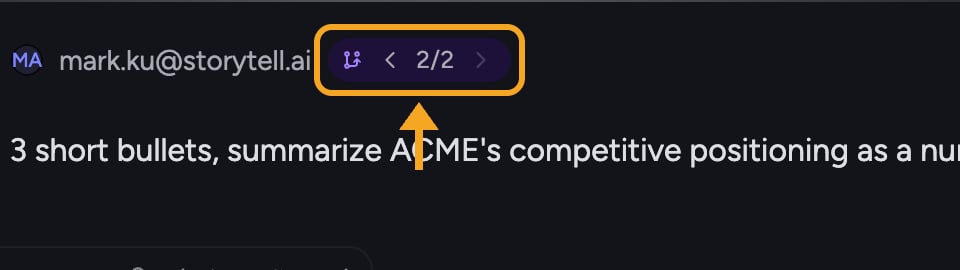
- Locate the branch navigator on the branched turn.
- Click the previous (left) or next (right) arrow to step between versions.
- The thread below updates to follow the branch you selected.
Good to Know: In the prompt timeline, turns that contain alternatives are tagged Has branches, making it easy to find every fork in a long task.
FAQ
The branch arrows are greyed out. Why can't I switch?
The branch arrows are greyed out. Why can't I switch?
Branch switching is disabled while an answer is still streaming. Wait for the current response to finish, then use the previous and next arrows.
Does branching delete the original answer?
Does branching delete the original answer?
No. Editing a message creates a new branch alongside the original — both are kept. Use the branch navigator’s arrows to move back to the first version any time.
How is branching different from starting a new task?
How is branching different from starting a new task?
A branch stays inside the same task and shares the context up to the point where it split, so you can compare alternatives in one place. A new task starts fresh with no shared history.