

Your knowledge, in one place
Your Library is where Chief keeps everything you add to a project: uploaded files, recordings, saved task answers, and web pages. Once something is in your Library, Chief can read it and use it to answer your questions, so the responses you get are grounded in your own material instead of generic information.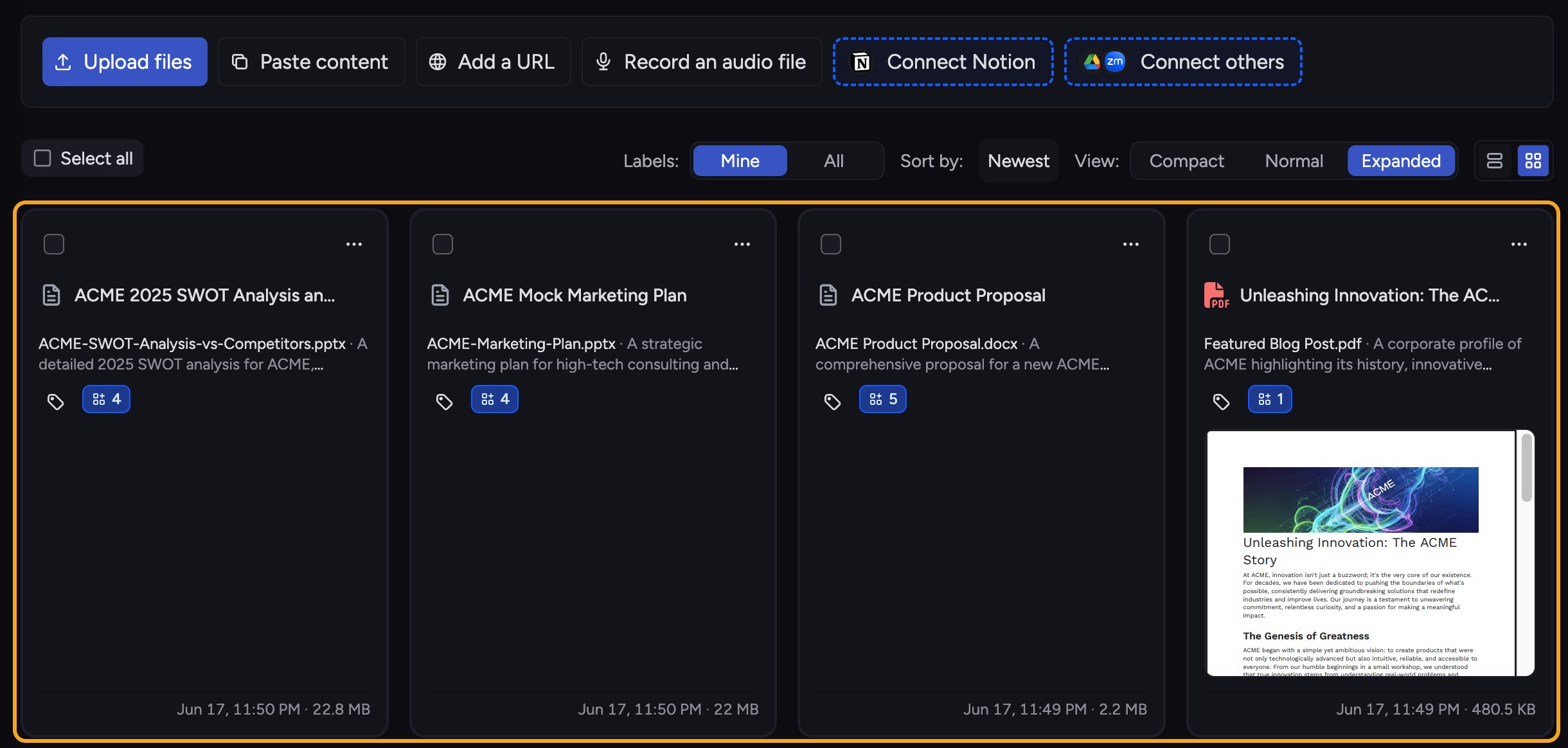
chief command-line client upload into this same Library, which is how teams keep a folder or a repository in sync with a project.
What you can keep here

- Files you upload (documents, PDFs, spreadsheets, images, audio, and more).
- Recordings you capture directly in Chief.
- Web pages you add by URL.
- Pasted text you save directly as a Library source.
- Task answers you save back to the Library as a File.
When the Library is empty
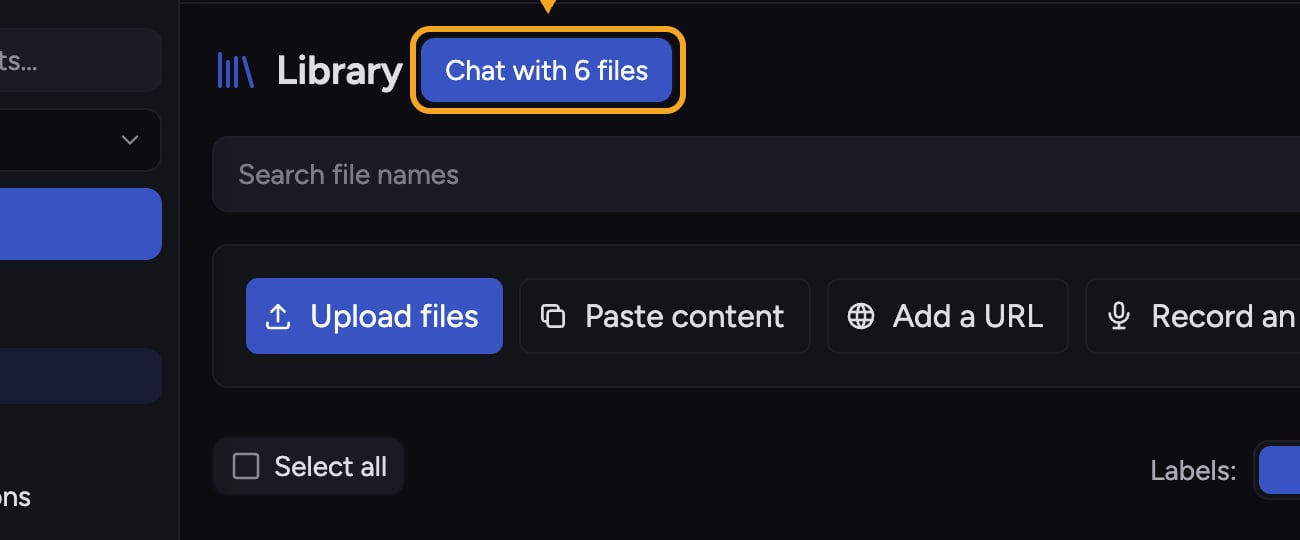
If a project has no Files yet, the Library shows Bring your work in. with the full row of ways to add content. The search box and filters appear once the Library has a file. If you search without a match, it shows No Files matched your search and suggests starting a task instead. A source filter can also report that there are no files from that source in the project yet. If the + menu says You do not have permission to upload files to this project, your Project role does not allow uploads. Project Owners and Collaborators can add Knowledge; Readers can view the Library but cannot add or change its content. Ask a Project Owner to change your role or upload the file for you.What Chief does with it
ℹ️ Good to Know: A file is only usable in task once it finishes processing. You can keep working while it processes, and Chief will mark it ready when it is.
FAQ
I added a file but Chief is not using it. Why?
I added a file but Chief is not using it. Why?
The file may still be processing, or it may have failed to process. Open the file to check its status: a file that is still processing or has failed shows a status line under its name. The Ready status disappears about a minute after processing finishes, so no status line means the file is ready. If it shows an error such as running out of credits, resolve that and try again.