

The payoff: themes pulled out of your files for you
A Concept is a recurring theme Chief finds running through your Library — an idea, topic, or entity that shows up across multiple files. Instead of reading everything to figure out what your documents have in common, you open the Concepts page and see the themes already surfaced, each one backed by the exact passages it was built from. Concepts turn a pile of files into a map of what they’re actually about.
A worked example

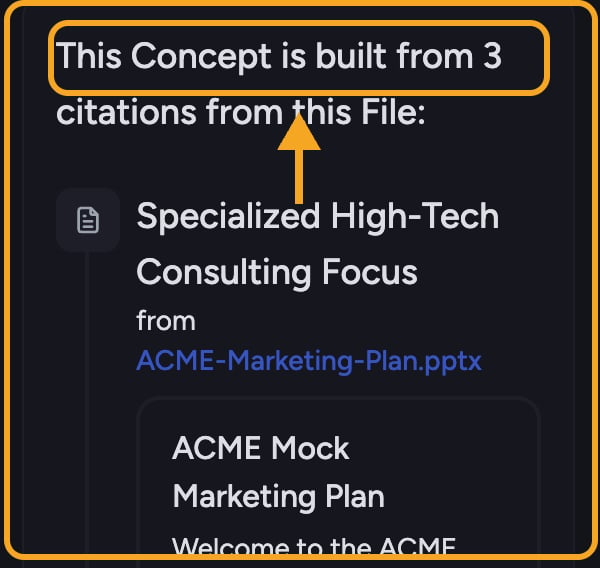
Every Concept is backed by citations
ℹ️ Good to Know: Most Concepts are surfaced automatically by Chief as it reads your files. You can also define your own. Concepts you create yourself carry a small badge showing a person icon.
What you can do with a Concept
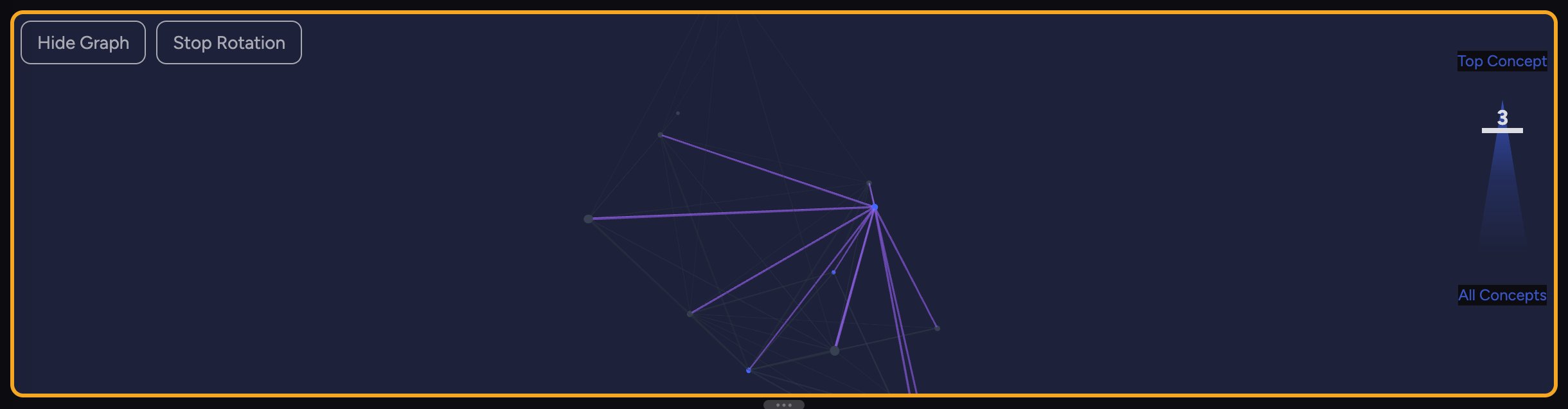
- Explore it visually in the Concept Graph, where related Concepts sit near each other.
- Start a task with it to ground a conversation in just that theme’s source passages.
- Visualize it to turn the theme into a graphic.
- Trace its citations down to the file each passage came from.
Frequently asked questions
The Concepts page says "Teach Chief your vocabulary." — what now?
The Concepts page says "Teach Chief your vocabulary." — what now?
Concepts are surfaced from your files, so you need files in your Library first. Add some, give Chief a little time to read them, and Concepts will appear. You can also define one yourself.
Are Concepts the same as Labels or Collections?
Are Concepts the same as Labels or Collections?
No. Labels are tags you put on files, and Collections are saved Label filters. Concepts are themes Chief discovers inside the content of your files, each backed by citations — they’re about meaning, not tagging.
Where do a Concept's citations come from?
Where do a Concept's citations come from?
From your own files. Each citation (seed) is a chunk of text pulled from a file in your Library, with a link back to the source file.
I just defined a Concept but it's still "being generated" — is that normal?
I just defined a Concept but it's still "being generated" — is that normal?
Yes. Generating a Concept takes a few seconds, and up to a few minutes for larger data sets. It appears in the list once it’s ready.