

Set Public Data for a task
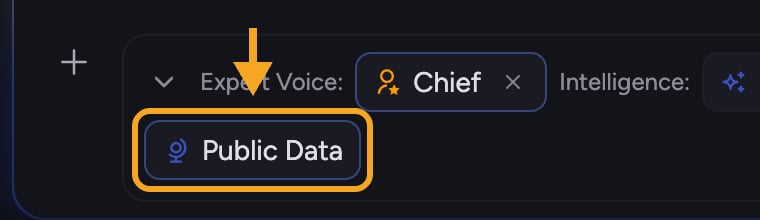
- Click the + button in the prompt bar. The command menu opens.
- Choose Add to task, then Public Data. A two-option control appears.
- Pick a mode:
- Automatic — Chief decides when to use public data. You will see a citation when public data was used.
- Off — Chief will not use public data; it answers from your Library only.
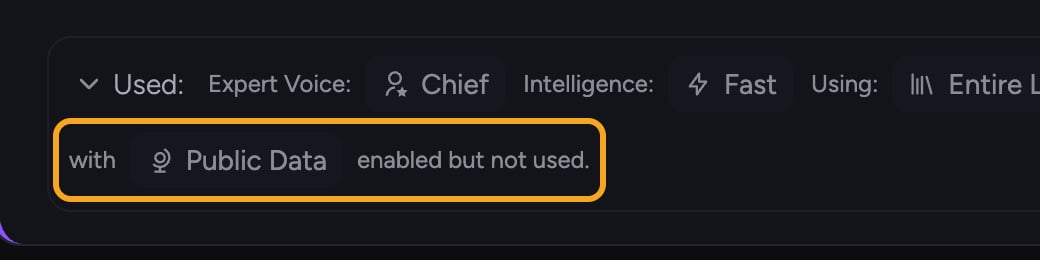
How to tell when it was used
FAQ
Will Chief always search the web in Automatic mode?
Will Chief always search the web in Automatic mode?
No. Automatic means Chief decides per answer. If your Library already covers the question, it may not reach out at all — and you will only see a public-data citation when it actually did.
My answer didn't include web data even though I expected it to.
My answer didn't include web data even though I expected it to.
Expand Using: and check the Public Data chip. When Public Data is off, the chip is muted and shows an ×; open it and switch to Automatic, or add use public data to your prompt.
Can I keep an answer strictly to my own files?
Can I keep an answer strictly to my own files?
Yes. Set Public Data to Off. Chief will then answer using only your Library.