

Manage Organization members
Organization Owners can open Organization → Members to invite people, change their Organization-wide role, or remove them. The roster shows who belongs to the Organization and how their access was granted. The three roles are:- Owner — Full admin access (including sharing and settings).
- Collaborator — Can task and add Knowledge.
- Reader — Can read tasks and Knowledge.
Invite someone to the Organization
- Select Invite.
- Enter the person’s Email address and choose their Organization-wide Role.
- Review What each role can do, then select Send invitation.
Change or remove an Organization role
Select a member’s role, choose the replacement, then review Change this member’s role? and select Change role. To remove their Organization-wide access, open the three-dot menu at the end of the member’s row, select Remove, then confirm Remove from the organization? (On your own row that item reads Leave organization.) The person marked Organization owner is the root owner. Their role cannot be changed or removed. Another Organization Owner must also change your own role; you cannot change it yourself.Review Shared domains
The Shared domains section lists domains that grant access through a Project. Each row shows the Project, granted role, and number of people admitted by the domain. Expand a row to see those people. Select Withdraw domain to stop admitting people through that domain and remove the access it granted. A stronger role assigned through another source remains because access grants stack.Add Project-specific access
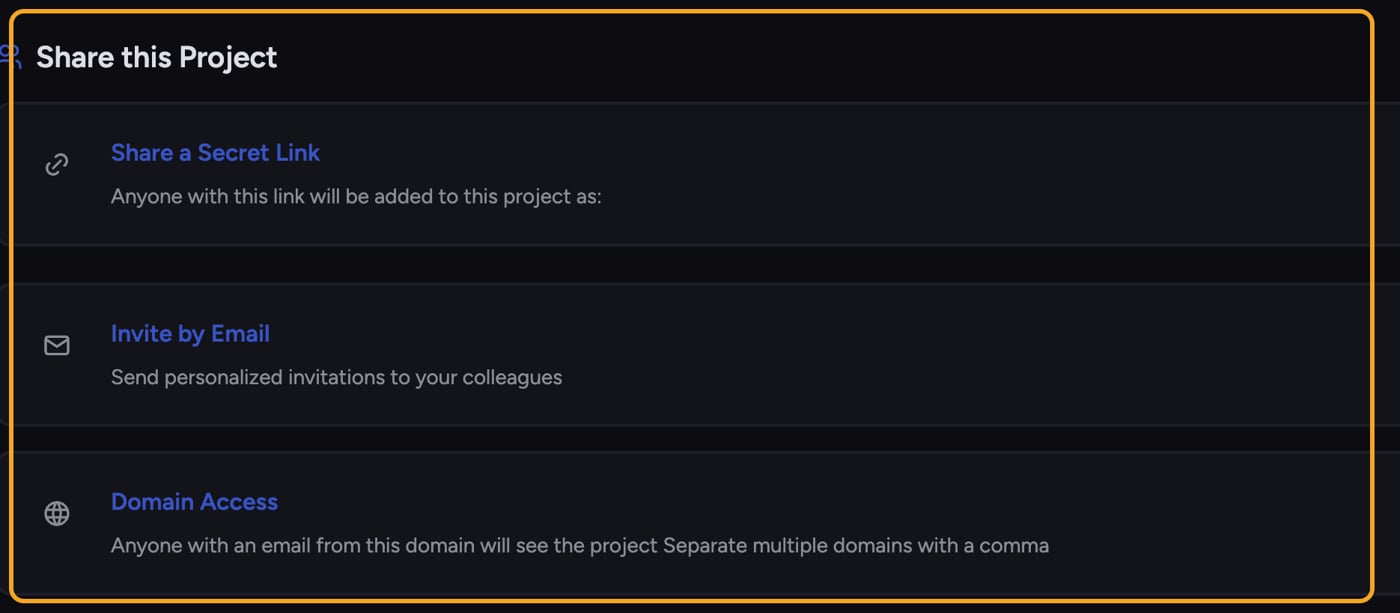
- Invite by Email — Send a personalized invitation to specific colleagues at a chosen role.
- Share a Secret Link — Anyone who opens the link is added to the Project at the role you set on the link.
- Domain Access — Anyone with an email address from a domain you add automatically sees the Project. This is how you grant company-wide access.
ℹ️ Good to Know: Chief has an Organization-level member roster, but it does not use a per-seat license model. Access comes from grants and roles rather than seats you allocate.
Removing access
To remove Organization-wide access, open Organization → Members, select the member, and confirm removal. To withdraw domain access, remove the shared domain. Access granted through another source can remain because grants stack. For Project-level access, remove each applicable email, domain, or secret-link grant under Share this Project.Frequently asked questions
I removed someone but they can still get in. Why?
I removed someone but they can still get in. Why?
They probably have access through more than one path — for example, both a domain grant and an email invite. Check the Current Members list to see how they joined, and remove each path that applies.
Where is the org-wide member list?
Where is the org-wide member list?
Organization Owners can find it under Organization → Members. Collaborators and Readers can’t open the settings pages — the Organization page shows them their own role and what it can do instead. To manage access that applies only to one Project, open that Project’s Share this Project panel.
What role does a secret-link joiner get?
What role does a secret-link joiner get?
The role you choose when creating the link — Owner, Collaborator, or Reader. Everyone who joins through that link gets that role.